Water Apps · By Phone and Watch
How to Log Water on Fitbit: App Steps, Watches and Fixes
Where the Fitbit water log sits in the Google Health app, which watches log from the wrist, and what Fitbit leaves out.
 By the Glubbo Editorial Team · Updated Nov 7, 2026 · 10 min read
On This Page
- How Do You Log Water in the Fitbit App?
- Can You Log Water on a Fitbit Watch?
- Does Fitbit Track Water Intake Automatically?
- What Is the Default Fitbit Water Goal?
- Why Is Your Fitbit Water Log Not Working?
- Does Fitbit Remind You to Drink Water?
- Do Water Apps Add Drinks to Fitbit?
- Set Up Your Fitbit Water Log Tonight
- Common Questions
- Sources
Short answer
Log it in the app; only some watches can log it too.
- Today tab, tap Hydration, tap Log water, enter the amount, tap Save.
- Google's wrist steps name only Versa, Versa Lite, Versa 2, Sense and Versa 3.
- Water is a stat you log yourself, and Google lists no water reminder.
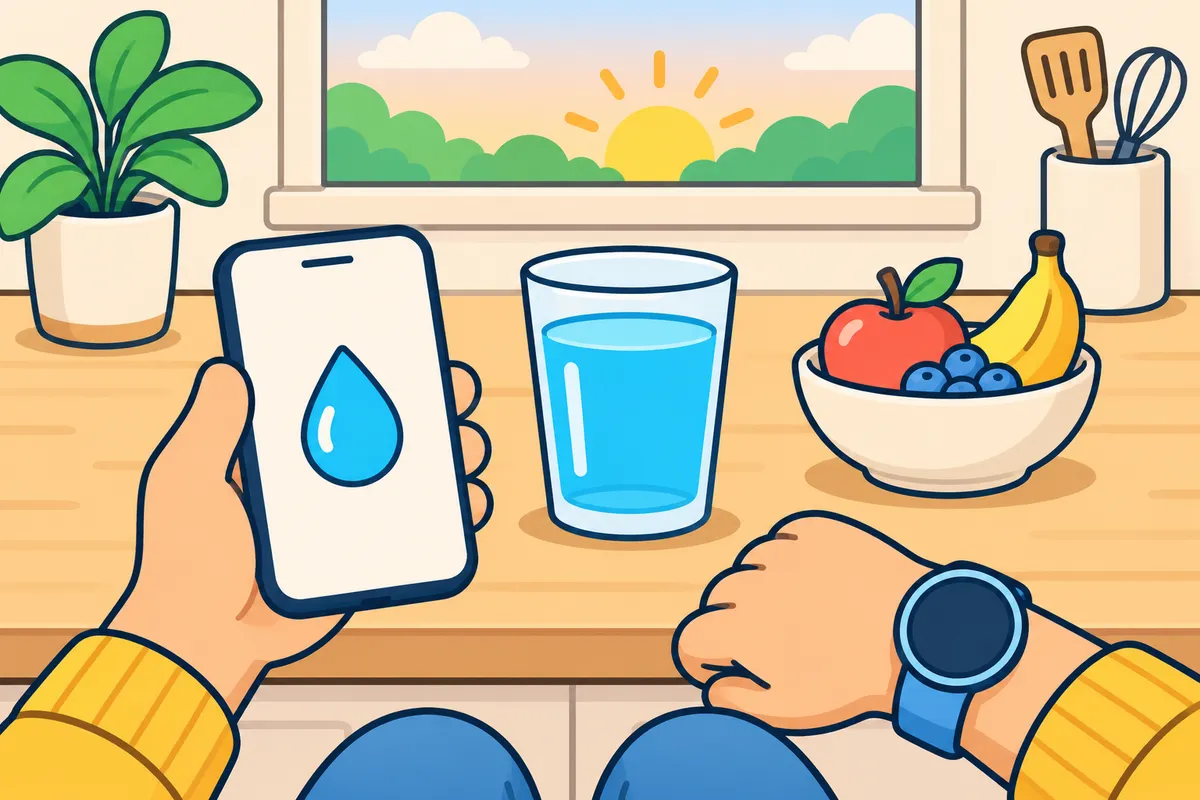
You log water in the Fitbit app by opening the Today tab, tapping Hydration, tapping Log water, entering the amount and tapping Save. Some watches can log from the wrist too, but Google's steps name only the Versa and Sense families. Google lists water among the stats you choose to log, and its Fitbit reminders page covers only reminders to move.
Every glass is an entry you add yourself and the nudge has to come from elsewhere.
Google renamed the Fitbit app to Google Health on May 19, 2026, so a guide written before then can show a menu that no longer matches your screen. Every step below comes from Google's help pages as they stood on 7 November 2026, and the app's Google Play listing still reads "Google Health (Fitbit)".
How Do You Log Water in the Fitbit App?
Open Google Health, tap Hydration on the Today tab, tap Log water at the bottom right, enter the amount you drank and tap Save. Google's help page gives these three steps for Android, and the iPhone and iPad page gives the same ones.
Log a drink in the Google Health app
- Open Google Health and stay on the Today tab
- Tap the Hydration tile
- Tap Log water at the bottom right
- Enter the amount and tap Save
If the Hydration tile is not on your Today tab, tap Edit, then tap Add at the corner of the Hydration tile. Google's page puts it as: "If you can't find the Hydration tile, you can add it by following the step below."
A Second Route Through the Health Tab
Google's nutrition and hydration page gives another route. Open the Health tab, tap Nutrition under "Focus areas", tap Add, then pick Hydration. That screen asks for the amount and the date and time of the drink, and it offers preset containers called Glass, Bottle and Large bottle.
Google does not say how many ounces or milliliters each preset holds. Pour your usual glass into a measuring cup once and type that amount yourself if you want an exact total.
How Do You Edit or Delete a Fitbit Water Log?
From the Today tab, tap the Hydration tile, tap the day, then tap the water log. Tap Delete and confirm, or tap Edit and change the entry. Google lists the same steps for Android and for iPhone.
Can You Log Water on a Fitbit Watch?
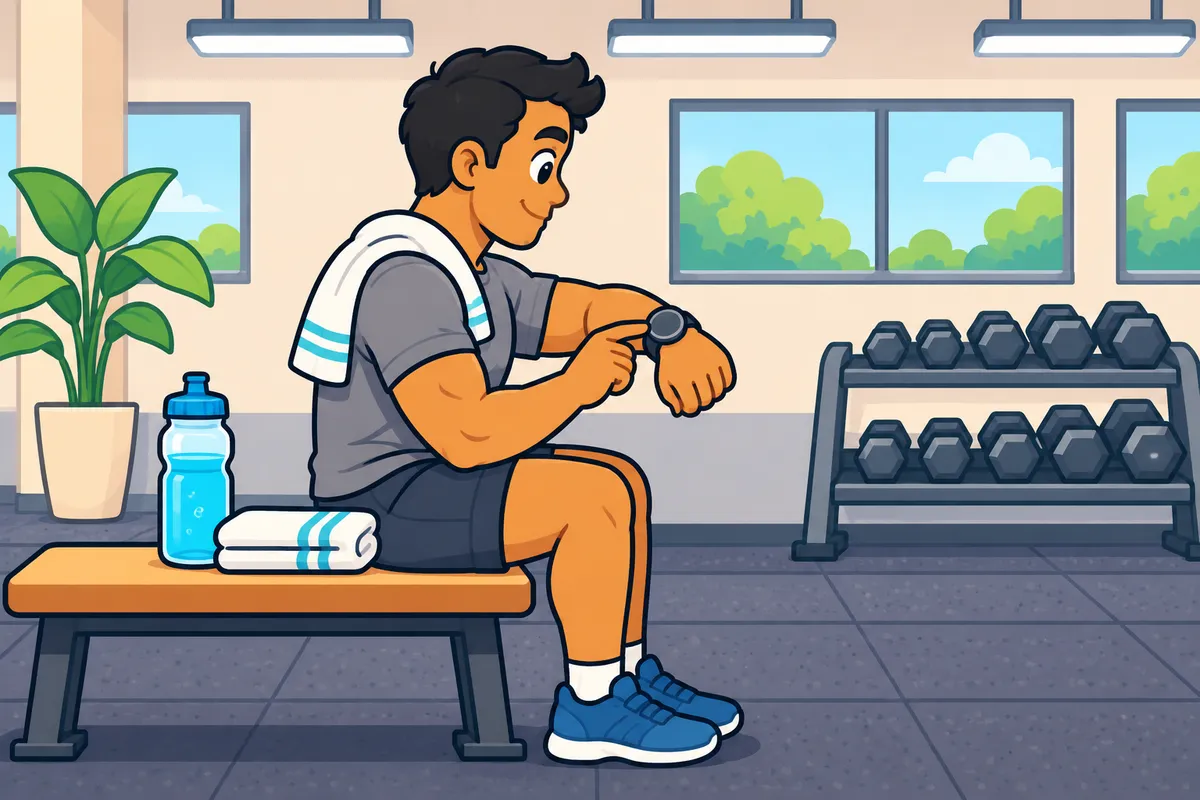
Yes on the watches Google names. The Versa, Versa Lite Edition and Versa 2 log from a Hydration tile, and the Sense and Versa 3 from a Hydration widget. Google's water steps name no other watch, so on any other Fitbit you log in the phone app.
Versa, Versa Lite Edition, Versa 2
- Swipe up from the clock face to check Google Health
- Find the Hydration tile; swipe up if you do not see it
- Tap the add icon, enter the amount, tap the check mark
Sense and Versa 3
- Swipe up from the clock face to reach your widgets
- Tap the Hydration widget
- Tap Log, set the amount with the remove and add icons, tap Save
Both lists come from Google's water steps. If the tile or widget is missing:
- On a Versa, tap Settings at the bottom of Google Health on the watch and turn the Hydration tile on.
- On a Sense or Versa 3, add the widget under Manage, then Google Health Logging, then Hydration.
Watch apps from other developers log to the same account. Fitbit's Gallery lists:
- Water Log by SOBOKU Apps for the Sense and Versa 3, which says it logs "on your Fitbit account from your wrist" in ml and fl oz and sends the data once the phone connects again.
- Water Logged by Tyler Leonhardt, which lists the Versa, Versa 2 and Versa Lite, with quick-log buttons for a glass, a bottle or two bottles.
Does Fitbit Track Water Intake Automatically?
No. Google lists water among the stats you choose to log, and nothing in its help describes a watch detecting a drink. Every glass is an entry you add on the phone or, on the watches above, on the wrist.
The wording on Google's page about what the app tracks is "Choose to log a variety of other stats, which include sleep, exercise, water and food intake, weight, and menstrual health in the Google Health app." Water sits in the same group as food and weight, which you also type in. It is not in the group your watch measures on its own, such as steps.
What Is the Default Fitbit Water Goal?
Google Health's default goal is 15.5 cups for men and 11.5 cups for women, which is 3.7 liters and 2.7 liters, according to Google's nutrition and hydration page. The same page calls these "general guidelines" that need adjusting for activity, weather, age, pregnancy or breastfeeding, and medical conditions.
- 15.5 cups
- Default goal for men (3.7 liters)
- 11.5 cups
- Default goal for women (2.7 liters)
Google gives no hydration-specific steps for changing the goal. Its page says the app's smart goals are ones "you can adjust in your Nutrition settings on the Health tab", and another Google page says "You can also set goals in other areas such as sleep and hydration." The only settings path Google spells out is for the calorie target: Health tab, Nutrition, Calorie target, More options, then "Nutrition and hydration settings".
A goal in cups is easier to hit once you turn it into your own container. Our arithmetic: 11.5 US cups is 92 oz, which is four 24 oz (about 700 ml) bottles with a little left over, and 15.5 cups is 124 oz, which is just over five. If a doctor has given you a fluid amount, use that instead, and the official daily amounts show how far Fitbit's defaults sit from other sources.
Why Is Your Fitbit Water Log Not Working?
Check the parts Google documents. A missing Hydration tile or widget comes back through Edit on the Today tab, or through Settings and Manage on the watch. A wrist log that is not in the app can mean the watch has not synced yet.
Fitbit water log checks
5 items- No Hydration tile on Today? Tap Edit, then Add at the tile's corner
- No tile or widget on the watch? Settings or Manage, then Google Health Logging
- Wrist log missing in the app? On Today, tap and hold, then pull down to sync
- Battery saver or Bedtime mode on? Both limit background data
- Watch far from the phone? It must stay near to sync
Google says Fitbit data "automatically syncs to the Google Health app throughout the day", and that each time you open the app your device syncs when it is nearby. You can read the time of the last sync under Connections, then your device, in the "Last synced when" notice. The syncing help adds that "Battery saver mode and Bedtime mode limit background data connectivity", and the page lists both among the steps to check when a device will not sync.
Drinks logged in another water app are a separate case. Google's nutrition page says data from other apps can arrive through Health Connect on Android, Apple Health on iPhone or the web API, and that a drink you log by hand in the app ranks first when two sources overlap.
How another water app writes to those is up to that app. Beyond these checks, Google's pages list no other cause for a log that fails to save.
Does Fitbit Remind You to Drink Water?
Google's pages describe no water reminder. Its article on Fitbit reminders covers reminders to move, a buzz 10 minutes before the hour when you have walked fewer than 250 steps, and nothing about water. A water nudge has to come from a phone app or a third-party clock face.
A phone app reaches your wrist as a notification, and Google says "Your phone must be within 30 feet of your Fitbit device to receive notifications". On Android you pick the app in Google Health under Connections, your device, Notifications, then App Notifications, and the usual fixes for reminders that stop arriving start on the phone.
The other route is a paid clock face: Water Log & Reminder by SOBOKU Apps lists:
- the Sense and Versa 3;
- an 8-hour free trial and then a one-time $2.5;
- the reminder start, stop and interval, set in the Fitbit phone app.
Its page warns that "If you are switching to other apps or clock faces, the clockface couldn't display the water reminder."
Garmin builds an Alerts setting into its hydration glance, which is the feature Fitbit lacks.
Do Water Apps Add Drinks to Fitbit?
Google names only nutrition apps as sources that sync. Its nutrition page lists MyFitnessPal and Cronometer and says data arrives through Health Connect on Android, Apple Health on iPhone or the web API. No Google page says a water app's drinks fill the Hydration tile, so a second app's total stays separate until Google says otherwise.
That makes the choice a question of where you want the one log to live. The table compares the options on what each page says, as of 7 November 2026.
| Where you log | Reminders | Cost, per the listing | Fitbit link |
|---|---|---|---|
| Google Health, Hydration tile | None for water; reminders to move only | Free app. Google Play lists in-app purchases at $7.99 - $99.99 per item; the App Store lists Fitbit Premium at $9.99 a month or $79.99 a year | The Fitbit log itself |
| Water Log & Reminder, clock face | Set in the Fitbit phone app; shows only while the face is on | 8-hour free trial, then $2.5 once; Fitbit's page marks it as payment required and not endorsed by Fitbit | Sense and Versa 3 |
| A phone water app plus watch notifications | The app's own, sent to the wrist as notifications | Depends on the app | Not stated by Google |
| Glubbo (our app) | Gentle, Smart or Strict | Free with ads; Premium $2.99 a month or $9.99 once | None |
Glubbo is the app we make, so weigh its row with that in mind. It does not sync with Fitbit, and it has no watch app: on Google Play it lists ads and in-app purchases from $2.99 to $9.99, and on the App Store it lists iPhone and iPad only. A drink you log there never lands in the Hydration tile, and a drink in the Hydration tile never lands in Glubbo.
If you want one total that lives in Google Health, log in the Hydration tile and let the other app only remind you. A paper log of your own works too, as long as you pick one place and log every drink there.
Set Up Your Fitbit Water Log Tonight
Ten minutes this evening sets up tomorrow's log:
- Open Google Health, go to the Today tab and check that the Hydration tile is there. Add it with Edit and Add if it is not.
- Tap Hydration, then Log water, and save one test entry. Open the tile, tap the day and delete the test.
- Check the goal under Nutrition and hydration settings on the Health tab, and change it if a doctor has set your fluid amount.
- If you own a Versa, Versa Lite Edition, Versa 2, Sense or Versa 3, open the Hydration tile or widget on the watch and log one drink there.
- Decide where the reminder comes from, a phone app or a clock face, and switch off the others.
Tomorrow, log each drink in the same place as it happens. At bedtime, open the Hydration tile, compare it with the goal and use Edit to fix any amount you typed wrong.
Common Questions
Is the Fitbit app now called Google Health?
Yes. Starting May 19, 2026, Google made the Fitbit app the Google Health app, and it still shows the tabs for a connected Fitbit device.
Does Google Health log water without a watch?
Yes. With no device connected, Google Health still has the Today and Health tabs, and its Nutrition screen logs water by hand.
Can you add a drink you forgot to log?
Yes. Google's Nutrition screen asks for the date and time of each drink, so you can add one after the fact.
General information for healthy adults, not medical advice. If a doctor has set your fluid amount, follow that.
More in Water Apps
Sources
- Google. How to add, edit, or delete Google Health data & activities - Android phone & tablet - Google Health Help Center, 2026.
- Google. How to add, edit, or delete Google Health data & activities - iPhone & iPad - Google Health Help Center, 2026.
- Google. Track your nutrition and hydration with the Google Health app - Google Health Help Center, 2026.
- Google. What activities do my Fitbit device and Google Pixel Watch track - Google Health Help Center, 2026.
- Google. What is new with the redesigned Google Health app - Google Health Help Center, 2026.
- Google. Explore the Google Health app - Google Health Help Center, 2026.
- Google. Fix syncing issues with Google Health - Android phone & tablet - Google Health Help Center, 2026.
- Google. How do Fitbit devices sync their data? - Google Health Help Center, 2026.
- Google. What are the reminders on my Fitbit device - Google Health Help Center, 2026.
- Google. Change phone notifications on my Fitbit device - Android phone & tablet - Google Health Help Center, 2026.
- Fitbit Gallery (SOBOKU Apps). Water Log & Reminder, 2026.
- Fitbit Gallery (SOBOKU Apps). Water Log, 2026.
- Fitbit Gallery (Tyler Leonhardt). Water Logged, 2026.
- Google Play (Google LLC). Google Health (Fitbit), 2026.
- Apple App Store (Google LLC). Google Health (Fitbit), 2026.
- Apple App Store (Glubbo). Glubbo - Drink Water Reminder, 2026.
- Google Play (Vinclair Studio). Glubbo - Drink Water Reminder, 2026.
Sources checked by the Glubbo Editorial Team on Nov 7, 2026. General information, not medical advice. How we write and check our guides.

