Water Apps · Widgets, Reminders and Features
Health Connect Water App: What Syncs, and What Replaces Google Fit
Which Android water apps write to Health Connect, what replaces Google Fit, and where missing drinks went.
 By the Glubbo Editorial Team · Updated Oct 19, 2026 · 9 min read
On This Page
- Which Water Apps Sync With Health Connect?
- Should a Water App Read From Health Connect Too?
- What Replaces Google Fit for Water Logs?
- How Do I Connect a Water App to Health Connect?
- Does Samsung Health Sync Water With Health Connect?
- Why Are My Drinks Missing From Google Health?
- Will a New App See Your Old Water Log?
- Is There a Google Drink Water Reminder App?
- Which Water App Fits Your Android Setup?
- Sources
Short answer
Pick an app that writes to Health Connect, not Google Fit.
- Google says its Fit APIs will be deprecated in 2026; no new developers since May 2024.
- Hydro Coach, HidrateSpark, My Water and Glubbo write water to Health Connect.
- Glubbo writes each drink to Health Connect once you allow it, and reads nothing.
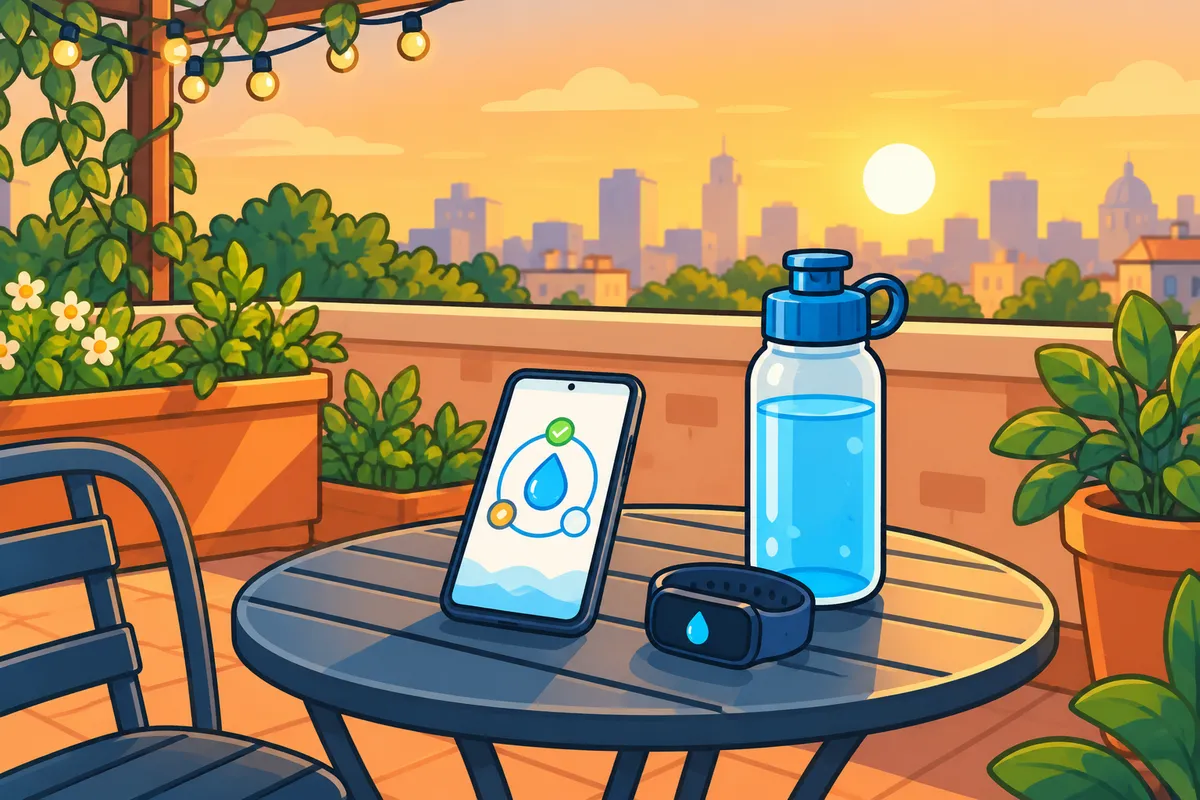
A water app syncs with Health Connect when its Google Play page says it writes or reads hydration records. As of 19 October 2026, Hydro Coach, HidrateSpark, My Water: Daily Drink Tracker and Glubbo say so, while Google is retiring the Fit APIs that older water apps used.
People search for a water app that works with Google Fit because Fit used to be where Android kept health data. That is changing: Google now points apps to Health Connect, and the Fitbit app has become Google Health. The facts below come from Google's, Samsung's and each app's own pages, dated as of 19 October 2026.
Which Water Apps Sync With Health Connect?
Each Play listing names a different place, and a few name none. This table shows what each page, or the developer's own help page, says happens to your drinks.
| App | Health Connect, per its page | Also syncs | Google Play, 19 Oct 2026 |
|---|---|---|---|
| Hydro Coach | Writes logged drinks and reads hydration entries | Fitbit, Samsung Health, Google Fit | 4.4 stars, 109K reviews |
| HidrateSpark | Water goes into Health Connect; steps come in | Fitbit | 4.2 stars, 11.3K reviews |
| My Water: Daily Drink Tracker | Reads and writes water and weight; also saves caffeine and sugar | Wear OS tiles | 4.1 stars, 9.3K reviews |
| Glubbo |
Writes each drink once you allow it; reads nothing | Sign in with Google keeps your log | New, 100+ downloads |
| Puddle | Reads it to adapt your goal, if you opt in | Weather | New, 100+ downloads |
| Water Drink Reminder | Not named | Weight to Google Fit; weight and drinks to Samsung Health | 4.6 stars, 508K reviews |
Hydro Coach's May 2026 post on its Health Connect support says the app can write your logged drinks and read hydration entries, and HidrateSpark's integrations page lists Health Connect beside Fitbit. Glubbo is our app, so weigh its row with that in mind.
Water Drink Reminder shows the trap. Its drinks go to Samsung Health and only your weight goes to Google Fit, so a Pixel owner without Samsung Health sees no water anywhere else.
Should a Water App Read From Health Connect Too?
Writing is the safe default; reading is a choice. A write-only app, like Glubbo, puts your drinks into Health Connect and sees nothing else. An app that reads can show water you logged in another app, and use your weight or activity to set a goal, which is what My Water and Puddle say they do.
The app writes to Health Connect
- Your drinks join your other health data
- Other apps you allow can read them
- The link survives the end of Google Fit
The app also reads from Health Connect
- It sees what you allow, such as weight or water from another app
- Hydro Coach and My Water use this to keep totals matching
- Allow only the data types the listing explains
What Replaces Google Fit for Water Logs?
Health Connect replaces it for apps on your phone, and the Google Health app replaces it as the place you look at the data. Google's developer page says "the Google Fit APIs, including the Google Fit REST API, will be deprecated in 2026", and that as of 1 May 2024 new developers cannot sign up to use them.
| Date | What changed | Source |
|---|---|---|
| 1 May 2024 | New developers can no longer sign up for the Google Fit APIs | Google for Developers |
| 7 May 2026 | Google announces that the Fitbit app becomes the Google Health app | Google's blog |
| 19 May 2026 | Google Health rolls out to Fitbit app users as an update | Google's blog |
| Later in 2026 | Google plans to invite Google Fit users to move their data to Google Health | Google's blog |
| 2026 | Google deprecates the Google Fit APIs | Google for Developers |
Google's page recommends the Google Health API for cloud links and Health Connect for apps on the phone. A water app that syncs only with Google Fit may lose that link this year; one that writes to Health Connect keeps working.
How Do I Connect a Water App to Health Connect?
Google's availability page says where Health Connect lives depends on your Android version:
- Android 14 and later: it is part of the system and sits under Settings, Security & Privacy, Privacy, Health Connect.
- Android 13 and older: it is an app from Google Play.
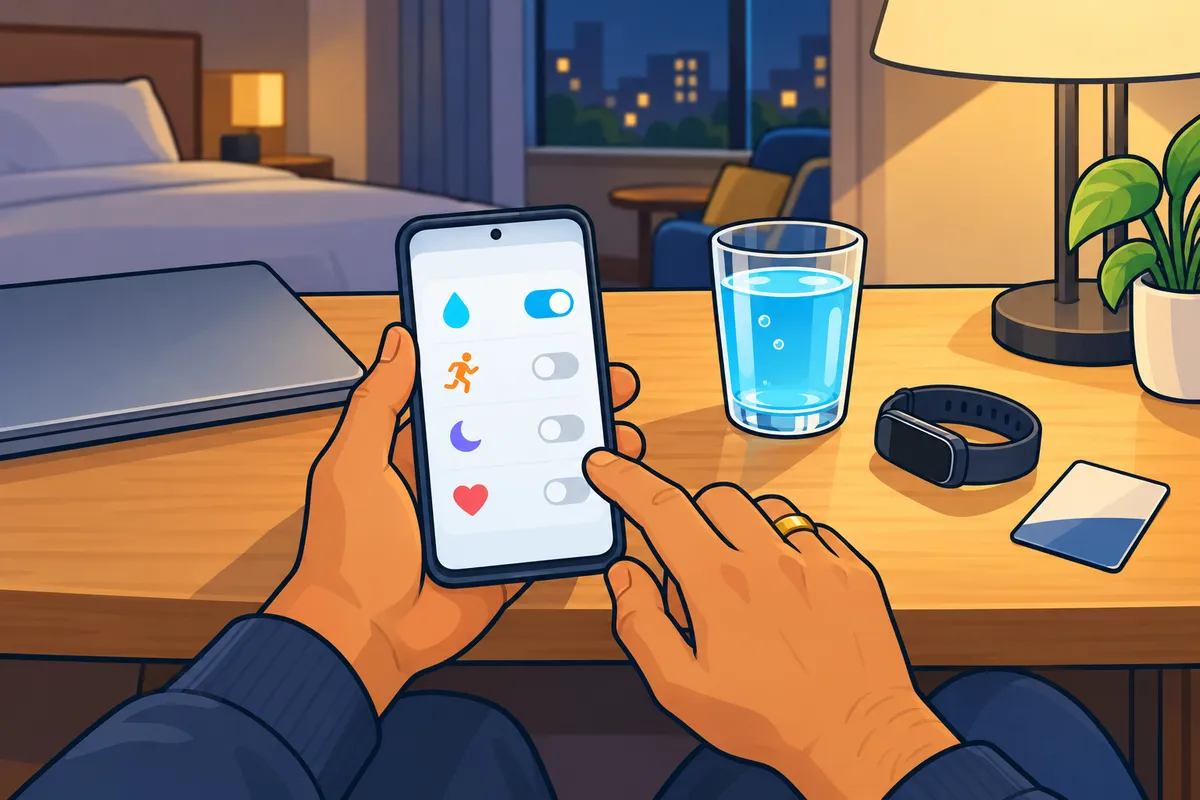
Let a water app write your drinks to Health Connect
- Android 13 or older: install Health Connect from Google Play
- In the water app, turn on its Health Connect option
- Allow Hydration, and nothing it does not need
- Log one glass and look for it in Health Connect
Health Connect asks per data type. Water is the Hydration record, filed under Nutrition, with separate permissions to read it and to write it, Google's data type list shows. An app that only logs your drinks needs write access, nothing more.
Does Samsung Health Sync Water With Health Connect?
Samsung Health syncs with Health Connect, but the water link is not documented. Three sources show where the gap is:
- Samsung's developer blog says the sync has existed since version 6.22.5 of October 2022 and lists the synced data types: steps, blood glucose, blood oxygen, blood pressure, exercise, heart rate, nutrition, sleep and weight, with hydration absent from that list.
- In Health Connect itself, hydration is a separate data type from nutrition, with its own read and write permissions, so an app must request hydration access specifically.
- A user in a Samsung EU Community thread confirmed that Samsung Health could not read hydration data written to Health Connect by another app, and that its Health Connect settings showed no hydration category.
If you only want a Samsung Health water reminder, you do not need Health Connect at all, and the Galaxy Watch guide has the menu path.
Why Are My Drinks Missing From Google Health?
Usually because the water app writes somewhere Google Health does not read, or the permission is off. Google's nutrition and hydration help page says the app pulls nutrition data from other apps through Health Connect on Android.
Take a Pixel owner whose water app sends drinks only to Samsung Health, which the phone does not have. The app shows 2,000 ml and Google Health shows 0 ml, and the fix is an app that writes to Health Connect, with Hydration allowed.
Find your missing drinks
4 items- Does the app's listing name Health Connect, not only Google Fit?
- Is Hydration write access on for the app in Health Connect?
- On Android 13 or older, is the Health Connect app installed?
- Did you also type the drink by hand? Google Health puts manual entries first
Which Entry Google Health Keeps
When the same entry arrives from more than one place, Google Health picks the source in this order:
- The manual entry.
- Health Connect or Apple Health.
- The web API.
It also says it cannot delete third-party data inside the app: delete the entry in the water app or in Health Connect.
How to Find or Delete a Water Entry in Health Connect
Google's page on finding your data lists the same route for any category:
- Open Health Connect.
- Tap Data and access.
- Choose the Nutrition category, then Hydration.
- Tap See all entries.
- Tap the Trash icon next to an entry to delete it.

Will a New App See Your Old Water Log?
Only the last 30 days, unless it asks for more. Google's Health Connect help page says a connected app "can access data from the last 30 days and any new data written after that", and that your data "is stored locally, on your device". Older entries stay there; a new app just cannot read them without a second permission.
Google's guide for app makers spells out the limits, which depend on your Android version and on whose entries the app reads:
| Whose entries the app reads | Android 14 and later | Android 13 and older |
|---|---|---|
| Its own earlier entries | No time limit | The last 30 days |
| Entries another app wrote | The last 30 days | The last 30 days |
| Anything further back than the rows above | With the history permission | With the history permission |
The 30 days count back from the day you grant permission. Install a second water app on 19 October and allow Hydration, and by default it sees entries from 19 September on. Deleting an app takes all its permissions away, history included, and the window starts again from the day you allow it back.
Check Which App Wrote Your Last Glass
Health Connect keeps a short log of who touched your data. To check it:
- Log a glass in your water app.
- In Health Connect, under Recent Access, tap See all recent access.
- Look for your water app in the list of apps that "accessed or stored your data in the past 24 hours".
An app you uninstalled can still have data stored, listed under Inactive apps, so the water your old app wrote does not vanish when the app does.
Is There a Google Drink Water Reminder App?
Google's own health app logs water, but its help page names no reminders, and the most reviewed reminder app on Android sends its drinks to Samsung Health rather than Health Connect. For a reminder, install a water app and let it write to Health Connect, so your drinks still appear in Google Health.
Google Health's default goal is 3.7 L for men and 2.7 L for women, its help page says. Those are the National Academies' averages for water from drinks and food together, so a log of drinks alone will sit below them.
The water intake calculator works out a drinking goal from your weight and climate.
Which Water App Fits Your Android Setup?
Start from where you want your water to end up. If one-tap logging matters as much as syncing, the home screen widgets differ from app to app too.
Pick by where your drinks should go
- Health Connect, Fitbit and Samsung Health all at onceHydro Coach
- A smart bottle that also writes to Health ConnectHidrateSpark
- Water and weight both ways, with a Wear OS tileMy Water: Daily Drink Tracker
- Write drinks to Health Connect and read nothing backGlubbo
- Drinks to Samsung Health on a Galaxy phoneWater Drink Reminder
General information for healthy adults, not medical advice. If a doctor has set your fluid amount, follow that.
More in Water Apps

Sources
- Google for Developers. Google Fit, 2026.
- The Keyword (Google). A new era for your wellness: Introducing the Google Health app, 2026.
- Google Health Help. Track your nutrition and hydration with the Google Health app, 2026.
- Android Developers. Health Connect availability, 2026.
- Android Developers. Health Connect data types, 2026.
- Samsung Developer. Accessing Samsung Health Data through Health Connect, 2025.
- Samsung EU Community. Samsung Health can't read hydration from Health Connect, 2024.
- Google Play (HidrateSmart LLC). HidrateSpark Water Tracker, 2026.
- Google Play (My Water Drink Tracker Oy). My Water: Daily Drink Tracker, 2026.
- Hydro Coach. Health Connect sync in Hydro Coach for Android, 2026.
- HidrateSpark Help Center. More Integrations, 2026.
- National Academies of Sciences. Report sets dietary intake levels for water, salt, and potassium (press release), 2004.
- Google Play (Codium App Ideas). Water Tracker - Hydro Coach, 2026.
- Google Play (Leap Fitness Group). Water Drink Reminder, 2026.
- Google Play (ModuleMango). Water Tracker Pet: Puddle, 2026.
- Google Play (Glubbo). Glubbo - Drink Water Reminder, 2026.
- Android Help. Get started with Health Connect, 2026.
- Android Help. Find your Health Connect data, 2026.
- Android Developers. Read raw data (Health Connect), 2026.
Sources checked by the Glubbo Editorial Team on Oct 19, 2026. General information, not medical advice. How we write and check our guides.

