Water Apps · Widgets, Reminders and Features
Water Tracking App for Apple Health: Which Apps Sync Your Water
Which water apps send your drinks to Apple Health, how to switch the link on, and how to stop double counting.
 By the Glubbo Editorial Team · Updated Oct 19, 2026 · 7 min read
On This Page
- Which Water Tracking Apps Sync With Apple Health?
- How Do I Connect a Water App to Apple Health?
- Can Apple Health Remind You to Drink Water?
- How Do I Log Water in Apple Health Without an App?
- Where Do You See Your Water in the Health App?
- Can You Share Your Water Log From Apple Health?
- Why Is My Water Counted Twice in Apple Health?
- Glubbo and Apple Health
- Sources
Short answer
Hydro Coach, WaterMinder and Waterllama write to Health.
- Turn it on in Health: your picture, Privacy, Apps, the water app.
- Log in one app only: two apps writing the same glass can show it twice.
- Glubbo does not sync with Apple Health; on Android it writes to Health Connect.
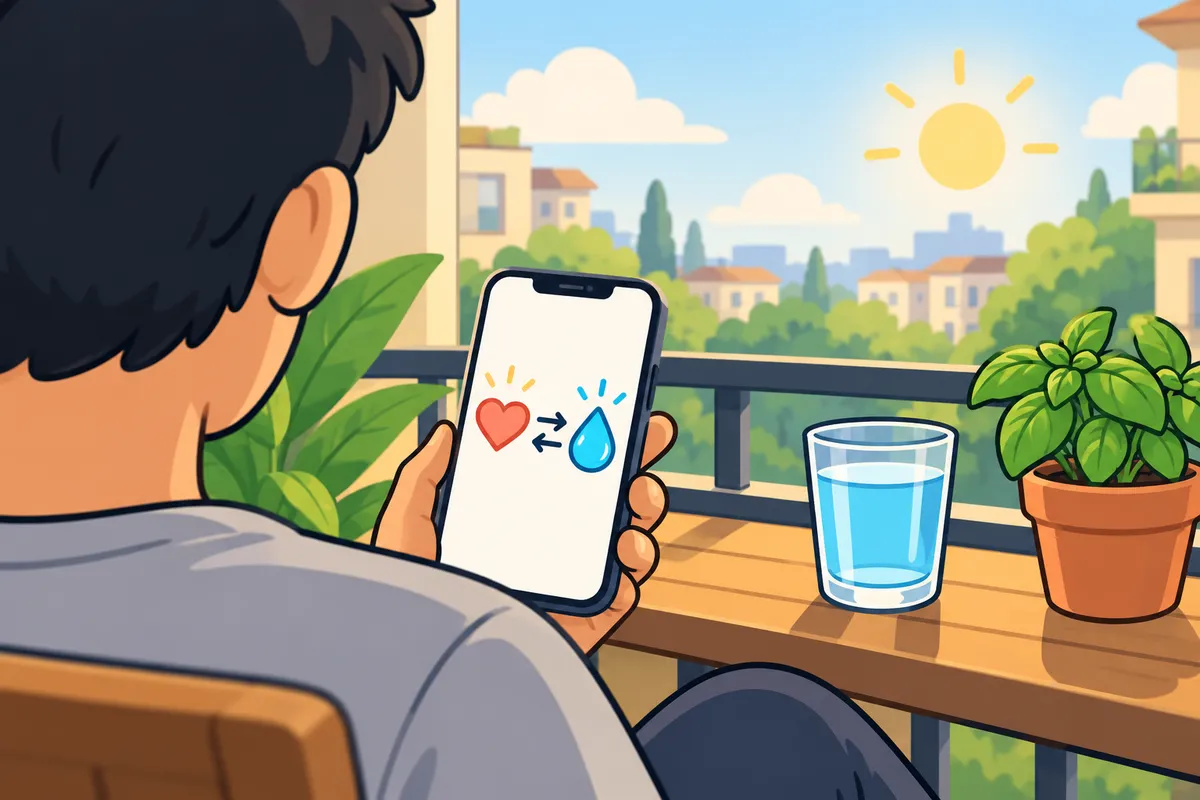
Six water apps list Apple Health on their App Store pages: Hydro Coach, WaterMinder, Waterllama, Plant Nanny, GlassWater and Water Tracker: Hydration Log. When one writes to Health, your drinks sit beside your steps, sleep and workouts, and you can switch water apps later without losing the record.
The app facts here come from each app's US App Store page, and the Health steps from Apple Support, as of 19 October 2026.
Which Water Tracking Apps Sync With Apple Health?
The six differ in what they write beyond water and in whether they also read data back from Health. The last row is Glubbo, the app we make, and it does not sync with Apple Health today, so this page mostly points you to other apps.
| App | Health (per listing) | Reads from Health too | Oldest iOS |
|---|---|---|---|
| Hydro Coach | "Integrates with Apple Health" | Not stated | 17 |
| WaterMinder | "Apple Health Sync"; HealthKit reads and writes weight, gender and date of birth | Yes: weight, gender, date of birth | 17 |
| Waterllama | Water, caffeine and dietary energy | Not stated | 17 |
| Plant Nanny | "Plant Nanny syncs hydration data with Apple Health" | Not stated | 15 |
| GlassWater | "Full sync with Apple Health" | Not stated | 26 |
| Water Tracker: Hydration Log | Optional; "you choose what it can read and write", caffeine included | Yes, if you allow it | 15 |
| Glubbo |
No Apple Health link on its App Store page | No | 15.1 |
The difference between writing and reading matters for privacy. An app that only writes adds your drinks to Health; an app that reads can also see what you allow, such as your weight, to set its goal.
The app writes to Health
- Your drinks appear in Health
- Other apps you allow can use them
- Your record outlives the app
The app reads from Health
- It can see the data you allow, such as weight
- It may set your goal from that data
- Allow only the categories it needs
More Water Apps That List Apple Health
The App Store search for "water tracker apple health" also returns apps with large review counts. Each row is that app's US listing.
| App | Rating (reviews) | Health (per listing) |
|---|---|---|
| Water Reminder - Daily Tracker (VGFIT) | 4.7 (79K) | Records drinking data to the Nutrition section in Health: water, caffeine, protein, dietary energy, fat, carbs and sugars |
| My Water: Daily Drink Tracker | 4.7 (24K) | Integrated with Apple Health to get your body measurements for the water goal |
| Drink water: Drinking reminder (TMEDILAB) | 4.6 (23K) | Uses HealthKit to record your drink history to the Nutrition section |
| HidrateSpark Water Tracker | 4.6 (20K) | "Apple Health integration + other popular health and fitness apps" |
Two of these say the drinks land in the Nutrition section of Health, which is where you look for them afterwards.
How Do I Connect a Water App to Apple Health?
Most apps ask during setup; if you skipped that, turn the link on in the Health app. Apple's Health sharing guide puts the switches under your profile, and you may also need to turn sharing on inside the water app's own settings.
Let a water app write to Apple Health
- Open Health, tap Summary, then your picture or initials
- Under Privacy, tap Apps
- Tap the water app in the list
- Turn on writing for Water, and reading only for what it needs
Give an app only the categories its listing explains. Hydration Log's page, for example, says "Apple Health is optional", so you can track without linking at all.

Can Apple Health Remind You to Drink Water?
Apple's Health guide describes logging water and letting apps share it; it names no water reminder. For a "drink water reminder" that also fills Apple Health, use one of the apps above that both reminds you and writes to Health.
Reminders that also write to Apple Health
- Smart reminders and an Apple Watch appWaterllama or Hydro Coach
- Reminders that ease off when I am aheadGlassWater or Hydro Coach
- Reminders at a set interval, with quiet hoursWater Tracker: Hydration Log
- A plant that grows, with remindersPlant Nanny
If you only need a ping and will log by hand, you can set one yourself in the Reminders app, with no third-party app at all.
How Do I Log Water in Apple Health Without an App?
These are Apple's steps for adding data by hand, the same for every category:
- Open Health and tap Browse.
- Choose Nutrition and then Water.
- Tap the add button.
- Enter the date, time and amount.
- Tap Done.
Typing each glass gets tedious after a few days, which is why most people move to an app, or to counting glasses on paper.
Where Do You See Your Water in the Health App?
Under Browse: tap Browse, then type Water in the search field, or pin it so it sits on the Summary screen every time you open Health. Apple's guide to viewing your Health data lists every control on that page, and three of them do most of the work for a water log:
| What you want | Where on the Water page |
|---|---|
| Water on the first screen of Health | Pin to Summary (scroll down) |
| Your week, month or year of water | The tabs at the top of the screen |
| A wrong or doubled entry gone | Show All Data, then Edit, then Delete beside the record |
Pin Water to Summary on the day you link your app, so a missing or doubled day jumps out within a week. The same page shows Data Sources & Access, the list of apps allowed to write water, which is where a second app hides when your totals look too high.
Can You Share Your Water Log From Apple Health?
Yes. Per Apple's sharing guide, in Health:
- Tap Sharing, then Share with Someone.
- Pick a contact and choose the topics.
You can review or stop it later from the same screen.
For a doctor or a dietitian who wants a file, Health can export everything: tap Summary, your picture, then Export All Health Data, which produces an XML file. The export holds every app's records in one file, which is one more reason to keep water in one place.
If You Switch Water Apps
The drinks your old app wrote stay in Health under that app's name, so a switch does not wipe your record. To move over cleanly, as Apple's guide describes:
- Link the new app first.
- Open the Water data and scroll to Data Sources & Access.
- Tap the checkmark beside the old app to turn it off.
An app that reads from Health, such as Hydration Log once you allow it, can then show your earlier days too. One that only writes starts its own history from the day you install it.
Why Is My Water Counted Twice in Apple Health?
Usually because two apps are writing the same drinks. Apple says that when several sources contribute the same type of data, "the data source at the top will take priority", but its guide does not say whether two apps' records are merged or added. Some people see both records in their total, so assume it can happen.
To check, open the Water data and tap Show All Data. If every glass appears twice, once per app, you have found it: a 2 L day would read as 4 L, and any app that reads Health water would see the inflated number.
Pick One Source
Apple says Health ranks data sources in this order:
- Your own manual entries.
- iPhone, iPad and Apple Watch.
- Apps and Bluetooth devices.
A new source goes "above all apps and devices". To change the order, open the Water data, scroll to Data Sources & Access, tap Edit, and drag sources into order, or tap the checkmark beside an app to turn it off.
The simpler fix is to log in one app and switch the second app's writing off under Privacy, Apps.
Glubbo and Apple Health
On iPhone, Glubbo writes nothing to Health today, and its App Store page names no link. On Android, once you allow it, each drink you log in Glubbo is added to Health Connect, and Glubbo reads nothing from it.
If Apple Health is a must for you, pick an app from the tables above. If it is not, Glubbo is free on the App Store and Google Play.
General information for healthy adults, not medical advice. If a doctor has set your fluid amount, follow that.
More in Water Apps

Sources
- Apple Support. Manage Health data on your iPhone, iPad, or Apple Watch, 2026.
- Apple Support. Share your data in Health on iPhone, 2026.
- Apple App Store (Wired Betterment). Hydro Coach - Hydration App, 2026.
- Apple App Store (Funn Media). Water Tracker by WaterMinder, 2026.
- Apple App Store (Llama Luna Apps). Water tracker Waterllama, 2026.
- Apple App Store (SPARKFUL INC.). Plant Nanny Cute Water Tracker, 2026.
- Apple App Store (Felipe C Canhameiro). GlassWater – Water Tracker, 2026.
- Apple App Store (Ivan Terekhin). Water Tracker: Hydration Log, 2026.
- Apple App Store (VGFIT LLC). Water Reminder - Daily Tracker, 2026.
- Apple App Store (My Water Drink Tracker Oy). My Water: Daily Drink Tracker, 2026.
- Apple App Store (Hidrate Inc.). HidrateSpark Water Tracker, 2026.
- Apple App Store (TMEDILAB). Drink water: Drinking reminder, 2026.
- Apple App Store (Glubbo). Glubbo - Drink Water Reminder, 2026.
- Google Play (Glubbo). Glubbo - Drink Water Reminder, 2026.
- Apple Support. View your data in Health on iPhone, 2026.
Sources checked by the Glubbo Editorial Team on Oct 19, 2026. General information, not medical advice. How we write and check our guides.

