Drinking Habits · Building the Habit
How to Set a Water Reminder on iPhone, Android and Apple Watch
 By the Glubbo team · Updated Oct 16, 2026 · 7 min read
On This Page
- Can My iPhone Remind Me to Drink Water?
- How Do I Set a Water Reminder on Android?
- How Do I Set a Water Reminder on Apple Watch?
- Which Times Should You Set?
- How Often Should a Water Reminder Go Off?
- Hot Days and Long Shifts Need Extra Alarms
- Why Phone Reminders Fail, and the Fix for Each
- When a Built-In Reminder Is Not Enough
- Sources
Yes, with apps you already have.
a repeating reminder or a labelled alarm
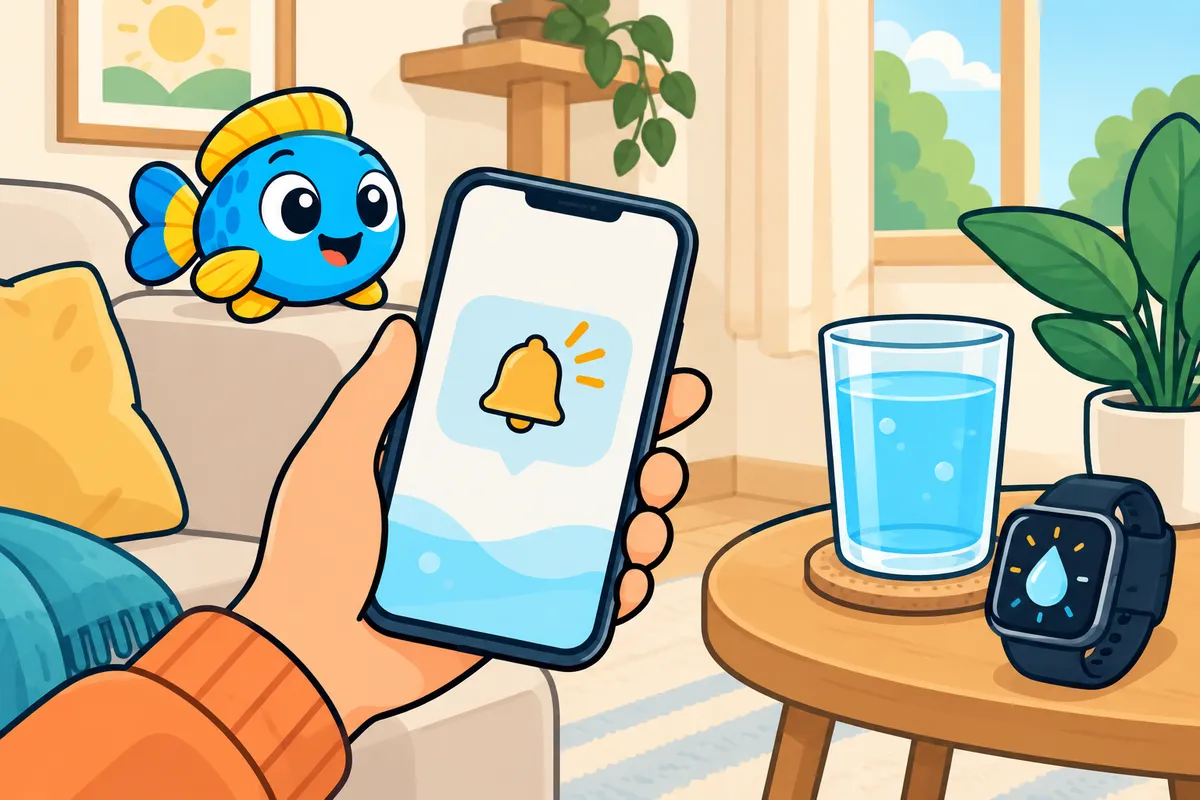
You do not need a special app to be reminded to drink. The Reminders and Clock apps on an iPhone, the Clock and Google Tasks apps on Android, and the Alarms app on an Apple Watch can all nudge you at set times.
This page gives the steps for each, checked against Apple's and Google's own help pages, and shows how to pick the times. It is one part of our guide on how to drink more water, which covers the daily cues that make reminders easier to follow.
Can My iPhone Remind Me to Drink Water?
Yes. The Reminders app can repeat a reminder on a schedule you choose, and the Clock app can ring a labelled alarm on chosen days. Make one reminder or alarm for each drink time, label it with the amount ("250 ml water"), and set it to repeat; six to eight cover most goals.
With the Reminders App
Apple's guide puts the repeat setting inside each reminder's details. The steps:
A Water Reminder in the Reminders App
- Open Reminders and add an item, such as "Glass of water, 250 ml"
- Tap the item, then tap the details button
- Turn on Date or Time and pick the first time of day
- Tap Repeat, then choose how often it comes back
- Repeat the steps for each drink time you want
Two extras help. Early Reminder alerts you ahead of the set time ("5 minutes before" is one of Apple's examples), and a location trigger can fire when you arrive at a place, so "drink a glass at your desk" can pop up when you get to work.
If you keep missing a reminder, Apple added an Urgent switch in iOS 26.2. According to Apple Support, it schedules an alarm when the reminder is due, and "alarms activate even when your device is silenced or a Focus is on."
With Clock Alarms
An alarm is louder and harder to ignore. In Apple's Clock steps you go to Alarms, tap the add button, set the time, then use Repeat to choose the days and Label to name it.
Name every alarm after the drink, such as "Water, 250 ml". When it rings in a meeting, the label tells you what to do without unlocking the phone.
Reminders or Alarms for Water
Pick by how loud your day can be. Most people do well with reminders at work and one or two alarms for the times they always forget.
| Reminders app | Clock alarm | |
|---|---|---|
| Sound in Silent mode | Only when marked Urgent | Yes |
| Repeats on a schedule | Yes, through Repeat | Yes, on chosen days |
| Can fire when you arrive somewhere | Yes | No |
| You tick it off when done | Yes | No, you dismiss it |
| Best for | Desk days, a quiet office | Times you always miss |
How Do I Set a Water Reminder on Android?
Use the Clock app for an alarm on chosen days, or Google Tasks for a task that repeats every day and sends a notification. Name each one after the drink, set it to repeat, and give the Tasks app permission to set reminders so Android does not delay them.
With the Clock App
These steps follow Google's Clock Help; phone makers sometimes rename buttons, so the route matters more than the label.
- Open the Clock app and go to the Alarm tab.
- Tap Add, set the time, then tap OK.
- Tap the new alarm, tap Alarm name, and type "Water, 250 ml".
- Tap the days of the week you want it to repeat.
With Google Tasks
Google Tasks shows a notification instead of ringing. Per Google's repeating-task steps, you open Tasks, create a task, tap Add date/time, then Repeat, and under "Repeats every" pick day.
A task needs a date and a time to notify you at all. If notifications arrive late or not at all, Google's notification help points to a phone setting that some Android phones switch off for apps you rarely open.
How Do I Set a Water Reminder on Apple Watch?
Open the Alarms app on the watch, add an alarm, then tap its time to set Repeat and a Label such as "Water". Turn on Silent Mode if you want a tap on the wrist with no sound. Reminders you make on your iPhone with iCloud also show up on the watch.
Three routes work, and they suit different people:
- Wrist alarms. In the Apple Watch alarm steps, you can repeat an alarm on chosen days and name it. Apple notes that Silent Mode makes an alarm that "taps your wrist, but doesn't make a sound", which suits meetings and shared offices.
- Alarms set on the iPhone. In the Watch app on your iPhone, tap My Watch, then Clock, and turn on Push Alerts from iPhone. Your iPhone alarms then reach your wrist.
- Reminders. Apple's watch guide says your iCloud reminders appear on every device signed in to your Apple Account, so the water reminders you built on the iPhone come along.
Siri can also set one in a sentence. Something like "Set repeating alarm for 10 AM" works on the watch, and you add the label after.
Which Times Should You Set?
Spread your drinks from waking to about an hour before bed, one reminder per drink. Divide your goal by your glass size to get the number of reminders, then space them evenly.
Here is how that works for Kim. She weighs 66 kg (146 lb), is moderately active and lives somewhere mild, so Glubbo's habit formula gives her 1,950 ml (66 oz) a day. With a 250 ml (8.5 oz) glass she needs eight drinks, and with a 7 AM alarm and an 11 PM bedtime the reminders fall every 2 h 10 min.
Kim's Eight Reminders
- 7 AM
- 9:10 AM
- 11:15 AM
- 1:25 PM
- 3:35 PM
- 5:45 PM
- 7:50 PM
- 10 PM
Kim moves two of the times to her meals, lunch and dinner, because a reminder that lands on lunch gets drunk. If you wake at night to pee, end earlier; drinking water before bed explains when to stop.
The water drinking schedule makes this list for your own goal, wake time and bedtime, so you can copy the times straight into Reminders or Clock.
How Often Should a Water Reminder Go Off?
For most adults, every two hours or so is enough: a 2 L goal over a 16-hour day is about one 250 ml glass every two hours. No health body sets an interval, and the full reasoning sits in our guide on how often to drink water.
More reminders do not make more water safe at once. Healthy kidneys clear at most 0.7 to 1.0 L (24 to 34 oz) an hour, the US National Academies report, so a missed reminder is never a reason to drink two bottles in one go.
Hot Days and Long Shifts Need Extra Alarms
Heat changes the pace. For moderate work in the heat that lasts under two hours, NIOSH advises "1 cup (8 oz.) of water every 15–20 minutes", and adds that intake "should not exceed 6 cups per hour".
A phone cannot guess when you start sweating. On those days, set a short repeating timer or a temporary set of alarms 20 minutes apart for the hours you work outside, then delete them; our page on how much water to drink in hot weather gives the full numbers.
Why Phone Reminders Fail, and the Fix for Each
People rarely quit reminders because they forget how to set them. They quit because the reminders stop fitting the day.
- Too many. Twelve alerts a day turn into noise within a week. Start with six and add only where you keep slipping.
- No amount in the label. "Drink water" invites a sip; "Water, 250 ml" asks for a glass.
- Firing in meetings. Move those times to the minute a meeting usually ends, or use a silent wrist alarm.
- Still ringing after you are done. Built-in reminders do not know you already drank. Tick off a reminder when you drink early, and delete the evening ones on days you finish by 6 PM.
- Nothing to drink nearby. A reminder only works with a filled bottle in reach; drinking more water at work covers what to keep on your desk.
When a Built-In Reminder Is Not Enough
Built-in reminders cannot see what you drank, so they cannot move the next nudge or stop once you reach your goal. If you want reminders that react to your log, our comparison of the best water reminder apps looks at what each one does.
You can also pair a simple reminder with a log you keep yourself. Our guide on how to track your water intake covers paper, marked bottles and the health apps on your phone, and the 30-day water challenge shows how to use reminders for a month and then let the habit take over.
General information for healthy adults, not medical advice. If a doctor has set your fluid amount, follow that.
More in Drinking Habits
Sources
- Apple Support. Add details in Reminders on iPhone, 2026.
- Apple Support. Use Reminders on your iPhone, iPad, or iPod touch, 2026.
- Apple Support. Set an alarm in Clock on iPhone, 2026.
- Apple Support. Add an alarm on Apple Watch, 2026.
- Apple Support. Use reminders on Apple Watch, 2026.
- Google Clock Help. Set, cancel, or snooze alarms on your Android device, 2026.
- Google Tasks Help. Manage repeating tasks in Google Tasks and Google Calendar, 2026.
- Google Tasks Help. Manage Google Tasks notification settings, 2026.
- National Academies of Sciences. Dietary Reference Intakes for Water, Potassium, Sodium, Chloride, and Sulfate: Summary, 2005.
- CDC NIOSH. Heat Stress, Workplace Recommendations, 2026.
Sources checked by the Glubbo team on Oct 16, 2026. General information, not medical advice.