Water Apps · Widgets, Reminders and Features
Sync Hydration App: Keep One Water Log on Every Device
How water apps keep one log across phones, tablets and watches, and what to do before you switch phones.
 By the Glubbo Editorial Team · Updated Nov 7, 2026 · 11 min read
On This Page
- What Does Sync Mean in a Water Tracker App?
- Which Hydration Apps Sync Across Devices?
- Will I Lose My Water Log When I Change Phones?
- Can I Move My Water Log From iPhone to Android?
- How Do a Watch and a Phone Keep the Same Total?
- Does Deleting a Water App Delete Your Log?
- Moving Your Water Log Before You Trade In the Old Phone
- Common Questions
- Sources
Short answer
Pick an app that keeps your log in an account or iCloud.
- Account sign-in and iCloud sync keep the log; a Health copy keeps only the drinks.
- iCloud stays on Apple devices; crossing to Android needs an account sign-in.
- Before you wipe the old phone, open the app on the new one and check last week.
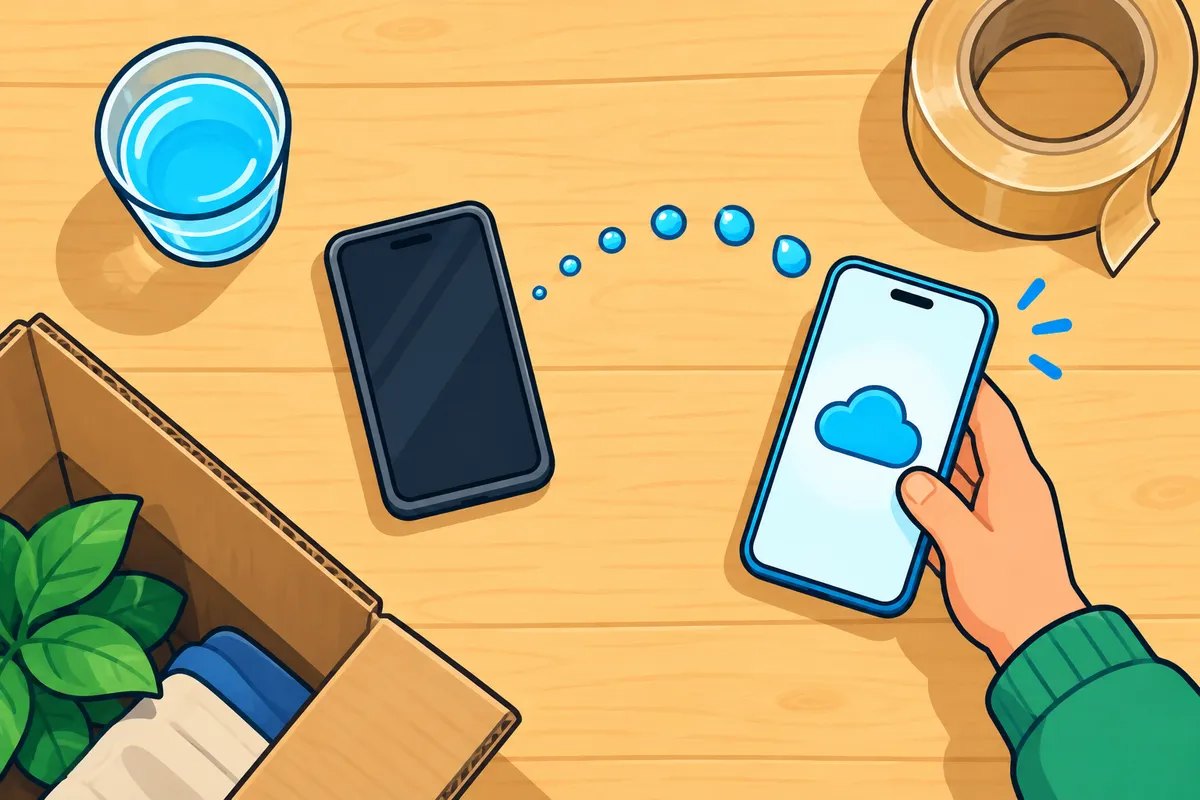
A sync hydration app keeps one water log on every phone, tablet or watch you use, and the way it syncs decides what survives a phone change. As of 2 November 2026, the store listings name four routes:
- An account you sign in to.
- iCloud sync.
- A backup file.
- A copy of your drinks in Apple Health or Health Connect.
Many water apps name none of these and keep the log on the phone alone. Lose the phone or delete the app, and those days go with it unless the phone's own backup caught them.
What Does Sync Mean in a Water Tracker App?
In a water tracker, sync means the same log shows up on more than one device, or comes back on a new one. Apps do it in four ways: an account, iCloud, a file you save, or a health platform that holds a copy of your drinks. Only the first two copy the whole log without you doing anything.
| Route | Where your log lives | Crosses iPhone and Android | Who keeps it fresh |
|---|---|---|---|
| Account sign-in | The developer's server, under your Google or Apple login | Only if the app is on both stores | The app, after each glass |
| iCloud sync | Your iCloud account | No, Apple devices only | The app, after each glass |
| Backup file | A file you make and keep | Not stated | You, each time you save one |
| Health platform copy | Apple Health or Health Connect | No | The app writes drinks; you turn on iCloud for Health or make Health Connect exports; settings stay behind |
| Device only | The phone's own storage | No | Nobody; a phone backup is the only copy |
A backup file is only as fresh as the last time you made one, so a month-old file brings back a month-old log.
Why a Health Copy Is a Different Thing
Apple Health and Health Connect hold your drinks as health records, so another app you allow can read them. They do not hold the water app itself: its goal, cup sizes, reminders or streak stay inside the app. Neither copy follows you by itself: Apple Health reaches a new iPhone only when iCloud is on for Health, and Health Connect moves only through an export file you make (see the export section below).
On iPhone, Apple's privacy page says iCloud sync lets you "keep your health data up to date across all your devices", so with iCloud on for Health your drinks come back on a new iPhone even when the water app's own settings do not. For which iPhone apps write each glass to Health, see the Apple Health sync guide.
Which Hydration Apps Sync Across Devices?
As of 2 November 2026, the listings sort these apps into five groups:
- Glubbo and Water Drink Reminder offer an account sign-in.
- Hydrated and GlassWater sync through iCloud.
- WaterMinder on iPhone makes a backup you restore yourself.
- Plant Nanny backs up a logged-in account automatically.
- Waterllama and Hydro Coach name only a health-platform link.
Weigh Glubbo's row with the disclosure in mind.
| App | Stores | Keeping your log (listing) | The catch |
|---|---|---|---|
| Glubbo |
App Store, Google Play | "No account needed"; sign in with Google, or Apple on iPhone, "to keep your water log when you change phones" | The free version shows ads |
| Water Drink Reminder | Google Play | Log in with your Google account to "backup and restore your drinking data" | Android only; last updated 27 October 2025 |
| Hydrated | App Store | iCloud sync keeps your data "up-to-date across all of your devices" | Needs Hydrated Pro; last updated September 2024 |
| GlassWater | App Store | iCloud sync "across all your Apple devices" | Needs iOS 26 |
| WaterMinder | App Store, Google Play | On iPhone, Backup & Restore under Settings → Export (added in version 7.5.1); its site says progress "syncs everywhere" across its devices | Its Play listing names no backup, and the store pages do not say how the sync works |
| Puddle | Google Play | The log stays on your device; the Puddle Club membership adds cloud backup | The backup is paid |
| Waterllama | App Store | Syncs water, caffeine and dietary energy with Apple Health | No account or iCloud sync named |
| Plant Nanny | App Store, Google Play | Its maker says a SPARKFUL account "will be backed up automatically" while you stay signed in | Confirm the backup status in the app before you change phones |
| Hydro Coach | App Store, Google Play | Health Connect, Fitbit, Samsung Health and Google Fit on Android | No account or backup named |
Hydrated also lists syncing your water goal and quick shortcuts "between all your devices", the clearest sign that its iCloud sync carries the app's settings along with the drinks. A listing naming only Apple Health or Health Connect gives you a copy of your drinks at best, after you set up its backup.
On Android, a few more apps state a backup on their Play pages, and the Android tracker comparison lists them beside their prices.
Does a Water Tracker Sync Between iPhone and iPad?
Only if the app syncs through iCloud or an account. Installing the same app on an iPad otherwise starts a second log that knows nothing of your iPhone.
Hydrated's page says its iCloud sync keeps data up to date "across all of your devices" and GlassWater's says "across all your Apple devices"; only GlassWater's listing also says it is compatible with iPad, so read the compatibility line on the store page before you install on a tablet.
Glubbo's App Store page lists the iPad as compatible, and its listing describes the sign-in as the way to keep your log on a new phone. On an Apple silicon Mac, many iPad apps install too, and the same app can follow you to the Mac under the same rule.
Will I Lose My Water Log When I Change Phones?
Not if the log sits in an account, in iCloud sync, or in a phone backup the app allows. On iPhone, iCloud Backup includes app data for the apps you downloaded, while on Android, Google warns that not all apps can back up or restore all their data. Sign in, or check the backup, before you reset the old phone.
Apple's list of what iCloud backs up says the backup holds what "don't already sync to iCloud", and that it "includes app data for the apps that you've downloaded on your device". A device-only water app can therefore come back intact on a new iPhone, as long as the backup ran before the switch or you move everything across with Quick Start.
Google's Android backup page is more careful: "Not all apps can back up or restore all settings and data." It also says a backup can take up to 24 hours, and that you cannot restore one from a higher Android version onto a phone running a lower one.
The Days a Health Connect Export Can Miss
Health Connect has a backup of its own on Android 14 and later: a scheduled export, daily, weekly or monthly, that bundles your data into a zip file in a cloud storage app you choose, Google's Health Connect help page says. You then import that file on the new phone. The same help page adds that when you switch phones with a cable, you can move Health Connect data with device-to-device transfer.
Google lists daily, weekly and monthly schedules but does not promise when each export runs or that it succeeds. Counting from the last export that actually finished to the moment the phone breaks, the schedule sets the most days a sudden loss can cost:
| Export schedule | Most drinks you can lose |
|---|---|
| Daily | Less than 1 day |
| Weekly | Nearly 7 days |
| Monthly | More than 30 days |
Take a weekly export that finishes every Sunday night. The phone falls into a lake on Saturday night, the import brings back everything up to last Sunday, and Monday to Saturday are gone, and if one export fails the gap grows by a week. For a log you care about, choose daily, and keep in mind that the export carries the drinks, while the water app's own goal and reminders come back only through its own sync.
Can I Move My Water Log From iPhone to Android?
Only through an app account you can sign in to on both phones. iCloud sync and Apple Health stay on Apple devices, and Health Connect exists only on Android, so neither carries drinks across. Apple's Move to iOS list for the opposite direction names contacts, messages and photos, with no app data.
Apple's Move to iOS page adds that some free apps "will also transfer" when they exist on both stores. That moves the app, which then opens with an empty log unless it has an account behind it.
Before you switch, check three things on the new phone's store:
- The app is there, from the same developer: Hydro Coach comes from one company on iPhone and another on Android.
- Its listing names an account sign-in that works on that store.
- You can sign in to that account on the old phone today.
With Glubbo, our app, a log kept with Google sign-in on an iPhone comes back on an Android phone (the maker confirmed this on 2 November 2026). An Apple sign-in account cannot be opened on Android, which offers Google only, so sign in with Google if an Android phone may come next. A one-time Premium purchase is a separate question: the purchase comes back through the store account you bought it with.
How Do a Watch and a Phone Keep the Same Total?
In most apps, through the phone. The listings say:
- Hydro Coach's Wear OS app "requires Hydro Coach on your paired Android phone with setup completed".
- Hydrated's Apple Watch app "relies on iCloud sync" and needs Hydrated Pro.
- GlassWater lists "real-time sync" between its watch app and the iPhone.
WaterMinder is the exception on its listing, with a standalone Apple Watch app. If your watch and phone show different totals, open the phone app first so the two can catch up, then look again. Glubbo has no watch app.
Which watch apps exist at all differs by platform: the Apple Watch roundup covers iPhone owners, and Galaxy and Pixel watches have a separate list.
Does Deleting a Water App Delete Your Log?
For a device-only app, yes: the log lives in the app's own storage, and removing the app removes it. A log kept in an account or in iCloud stays there for when you reinstall. Drinks the app already wrote to Apple Health or Health Connect also stay behind, filed under that app's name, on that phone unless iCloud for Health or a Health Connect export carries them on.
Deleting inside Health works differently. Apple says that when Health data syncs over iCloud, "deleting data on one device removes it from all synced devices" on the same account, so a wrong glass you remove on the iPad also disappears from the iPhone.
Will this app keep your log on a new phone?
1Does its listing name an account sign-in, and are you signed in?
YesYes, on any phone where that app and sign-in exist. Sign in on the new phone with the same account.
No2Does it name iCloud sync, and is your new phone an iPhone or iPad?
YesYes, through your Apple Account. Check that iCloud is on for the app before you switch.
No3Is the new phone the same platform, restored from a full phone backup?
YesProbably. Open the app and look at last week before you reset the old phone.
No4Does it offer a backup file you save yourself (WaterMinder on iPhone)?
YesOnly as fresh as your last file. Save a new backup file just before you switch, and keep a copy off the old phone.
NoOtherwiseExpect to start again. Only drinks it wrote to Apple Health (with iCloud on for Health) or into a Health Connect export remain.
Moving Your Water Log Before You Trade In the Old Phone
Do the check while both phones still work. Sign in or turn on the app's sync on the old phone, let the phone backup finish, and only reset the old phone after the new one shows last week's days.
Move your water log to the new phone
- On the old phone, sign in (with Google if an Android phone is next) or turn on the app's sync; for WaterMinder, save a file under Settings → Export
- Let the phone backup finish; on Android it can take up to 24 hours
- Install the same app, from the same developer, on the new phone
- Sign in with the same account and open last week's days
- Only then reset or trade in the old phone
If last week is missing, keep the old phone as it is and contact the developer through its store listing before you try again. Choosing an app for the next switch starts with the devices you carry.
Pick by the devices you carry
- An iPhone, an iPad and an Apple Watch on one Apple AccountGlassWater, whose listing names iCloud sync and iPad compatibility (Hydrated Pro covers iPhone and Apple Watch)
- A log tied to my Google account, ready for the next phone, even iPhone to AndroidGlubbo with Google sign-in; Water Drink Reminder on Android
- A backup file I make and keep myselfWaterMinder on iPhone
- My drinks in my health record, whichever app I useAny app that writes to Apple Health or Health Connect
- No account to start, and cloud backup only if I choose itPuddle (cloud backup is its paid Club; read its privacy label first)
Common Questions
Can I export my water log to a file?
Yes, in some apps. WaterMinder for iPhone keeps a Backup & Restore option inside its Export settings, and Health Connect on Android 14 or newer exports everything it holds, water included.
Is my water log private once it syncs?
It leaves your phone, so read the app's privacy label before you sign in. Apple encrypts Health data kept in iCloud, at rest and on the way to your device, says Apple Support.
General information for healthy adults, not medical advice. If a doctor has set your fluid amount, follow that.
More in Water Apps
Sources
- Apple App Store (Glubbo). Glubbo - Drink Water Reminder, 2026.
- Google Play (Vinclair Studio). Glubbo - Drink Water Reminder, 2026.
- Google Play (Leap Fitness Group). Water Drink Reminder, 2026.
- Apple App Store (Rahul Sharma). Hydrated: Log Water, Reminders, 2024.
- Apple App Store (Felipe C Canhameiro). GlassWater – Water Tracker, 2026.
- Apple App Store (Funn Media). Water Tracker by WaterMinder, 2026.
- Google Play (ModuleMango). Water Tracker Pet: Puddle, 2026.
- Apple App Store (Llama Luna Apps). Water tracker Waterllama, 2026.
- Google Play (Codium App Ideas). Water Tracker - Hydro Coach, 2026.
- WaterMinder. WaterMinder home page, 2026.
- SPARKFUL. Confirming my account backup status, 2026.
- Apple Privacy. Health App & Privacy, 2026.
- Apple Support. Manage Health data on your iPhone, iPad, or Apple Watch, 2026.
- Apple Support. What does iCloud back up?, 2026.
- Apple Support. Use Quick Start to transfer data to a new iPhone or iPad, 2026.
- Apple Support. Move from Android to iPhone or iPad, 2026.
- Android Help. Back up or restore data on your Android device, 2026.
- Android Help. Back up & restore your Health Connect data, 2026.
Sources checked by the Glubbo Editorial Team on Nov 7, 2026. General information, not medical advice. How we write and check our guides.

