Water Apps · By Phone and Watch
Water App for Apple Watch: Which Apps Log Water From Your Wrist
Eight App Store apps that log water on the wrist, what each watch app costs, and an alarm plan for no-app days.
 By the Glubbo Editorial Team · Updated Nov 2, 2026 · 9 min read
On This Page
- Can Apple Watch Track Water Intake?
- What Is the Best Water Tracking App for Apple Watch?
- Is There a Free Water Tracker for Apple Watch?
- Does Apple Watch Have a Built-In Water Reminder?
- Do Water Reminders Show on the Watch or the iPhone?
- How Do You Put Water on Your Watch Face?
- How Do You Read a Watch App Listing Before You Pay?
- Sources
Short answer
Only with an app; Apple's own faces have no water log.
- Waterllama's free version includes its Apple Watch app.
- Hydro Coach lists watch-face complications; WaterMinder logs by Siri.
- Without a watch app, iPhone reminders still reach a locked phone's watch.
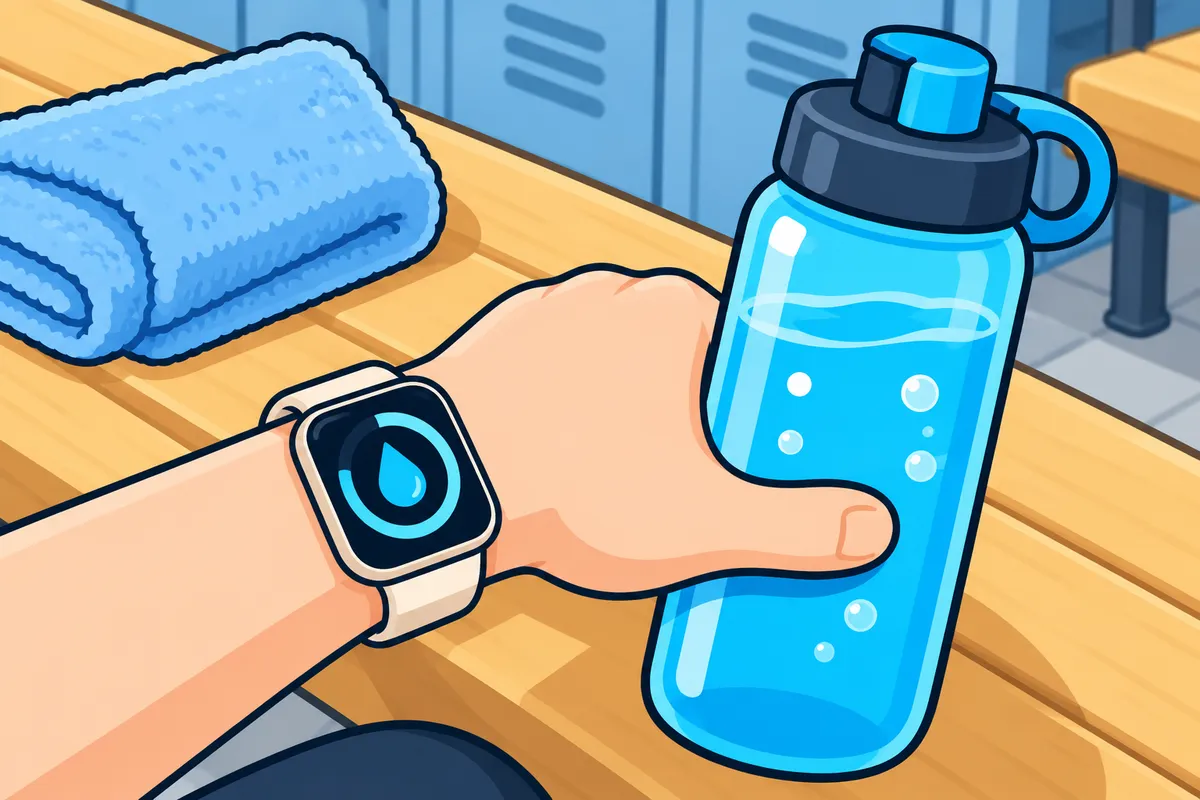
Apple Watch tracks water only through an app. Apple's built-in faces and complications have no water entry, so the log comes from one of the eight App Store apps below, and Waterllama is the one that includes its watch app in the free version.
A tap on the wrist logs a glass when your phone is out of reach: on a run, at a workbench, in a meeting where pulling out a phone looks rude. App details are from each US App Store page and watch settings from Apple Support, as of 19 October 2026.
Can Apple Watch Track Water Intake?
Yes, through an app. Apple's developer documentation lists a dietary water type for apps to record each drink in the Health app, while the built-in complication list has no water intake entry; its only "Water Temperature" belongs to the Depth app.
That leaves two ways to get water onto your wrist: an app with its own watch version, or an iPhone app whose notifications reach the watch. Which one you need depends on where your phone spends the day.
Watch app or iPhone notifications?
- My phone sits in a bag or a locker while I train or workAn app with a watch version, to log with a tap
- I want my progress on the watch faceAn app with a complication or Smart Stack widget
- A tap on the wrist is enough; I log on the phoneAny iPhone app; its notifications reach the watch
- No app at all, just a buzz at set timesSeven labeled alarms in the Alarms app
What Is the Best Water Tracking App for Apple Watch?
For most people, Waterllama: 4.9 stars from 164K ratings, and the watch app is part of its free version. WaterMinder suits a watch that works on its own and logs by Siri, and Hydro Coach suits a face complication plus a one-time price.
Four Apple Watch water apps at a glance
- iPhone, iPad and iPod touch
- Gentle, Smart or Strict reminders
Suits you if a reminder on the wrist is enough and you log on the phone.
Waterllama
Watch app in the free version
- 4.9 stars from 164K ratings
- Interactive Smart Stack widgets
- watchOS 10 or later
Suits you if you want the watch app without paying.
WaterMinder
Standalone watch app
- 4.7 stars from 36K ratings
- Log by Siri and Spotlight
- $2.99 a month, yearly from $14.99
Suits you if you want the watch to work on its own.
Hydro Coach
Complications, one-time price
- Log every drink on the watch
- Privacy label: Data Not Collected
- Lifetime price listed from $8.99
Suits you if you would rather pay once and see progress on the face.
Glubbo's reminders reach the watch like any iPhone notification.
Watch Requirements, Ratings and Plans
| App | Rating (ratings) | Watch requirement | On the watch, per its page | Watch app free? | Paid plans listed |
|---|---|---|---|---|---|
| Waterllama | 4.9 (164K) | watchOS 10+ | Watch app, Smart Stack widgets, double tap | Yes | $0.99 monthly; one-time packs from $8.99 |
| WaterMinder | 4.7 (36K) | watchOS 10+ | Standalone watch app, Siri | Not itemised; 7 days free | $2.99 monthly; yearly from $14.99 |
| Plant Nanny | 4.7 (107K) | watchOS 9+ | Listed as supported, not described | Not stated; ads in the free app | $3.99 or $7.99 monthly; $69.99 a year |
| My Water | 4.7 (24K) | watchOS 10+ | "Supports Apple Watch" | Not stated | $39.99 a year; full version $59.99 |
| Drink water (TMEDILAB) | 4.6 (23K) | watchOS 10+ | Watch app | Not stated | $29.99 a year; weekly $2.99 to $3.99 |
| HidrateSpark | 4.6 (20K) | watchOS 7+ | Apple Watch app; no bottle needed | Not stated | Premium at $1.99 and $14.99 |
| Drink Water Aquarium | 4.7 (3.6K) | watchOS 10+ | Apple Watch integration | No, Pro only | Pro $3.99 monthly, $35.99 yearly |
| Hydro Coach | 4.7 (980) | watchOS 11+ | Log drinks, complications | Not stated | $2.99 monthly; lifetime from $8.99 |
What Sets the Leaders Apart
Waterllama's release notes mention double tap and interactive Smart Stack widgets, and a later version lets you add up to 64 oz (2,000 ml) at once from the watch. Its page does not mention complications, so for a face slot the widget is the route.
WaterMinder calls its watch app standalone and lets you find and log drinks through Siri and Spotlight. It lists widgets for the iPhone, not complications.
Hydro Coach from Wired Betterment says you can track hydration "right from your wrist" and shows daily progress in complications. Its label says it collects no data. It shares a name with an Android app from a different developer, so check the maker before you buy; a lifetime price is only worth paying to the right one.
Three smaller apps differ in one detail each:
- Water+ lists a watch app and logging from the notification itself, with 5.0 stars from only 4 ratings, too few to judge it by.
- HidrateSpark's page says the app does not need its bottle, so it works as a plain logger, on watchOS 7 or later, the oldest requirement here.
- Drink Water Aquarium keeps its watch integration for Pro.

Is There a Free Water Tracker for Apple Watch?
Yes. Waterllama's App Store page lists its Apple Watch app in the free version, along with reminders, Lock Screen widgets and Apple Health sync. Drink Water Aquarium keeps its watch integration for Pro, and the other pages do not say, so start a trial before you pay.
Plan length changes the bill more than the app does. Drink Water Aquarium Pro at $3.99 a month adds up to $47.88 over twelve months, against $35.99 for the year, and the $29.99 year in Drink water by TMEDILAB works out to $2.50 a month.
If the watch app is the reason you are choosing, start with the free one and pay only if you miss something. Free trackers that are free on the phone as well are compared in the free tracker roundup.
Does Apple Watch Have a Built-In Water Reminder?
Not a water one. The Alarms app can ring a labeled alarm, but Apple's alarm guide lets you repeat it only on chosen days of the week, so a reminder every two hours means one alarm for each time.
Seven alarms cover a waking day, and a 64 oz (2,000 ml) goal split seven ways is about 9 oz (285 ml) at each buzz:
Seven alarms for a 64 oz day
- 9 AM
- 11 AM
- 1 PM
- 3 PM
- 5 PM
- 7 PM
- 9 PM
Siri can create one for you; Apple's example is "Set repeating alarm for 6 a.m." The catch is that an alarm rings whether or not you drank, so a watch app that skips a reminder when you are ahead beats it on busy days. Your iPhone's Clock can ring the same schedule, and the phone-reminder steps cover both.
Do Water Reminders Show on the Watch or the iPhone?
On one of them, not both. Apple's notification guide says "notifications appear on your Apple Watch or iPhone, but not both": an unlocked iPhone gets them, and a locked or sleeping iPhone sends them to the watch.
- Using the phone. While you are on the iPhone, the reminder shows there, so you see nothing on the wrist.
- A locked watch. When the watch locks or Do Not Disturb is on, notifications go to the iPhone instead.
By default the watch mirrors the iPhone's notification settings, so a water app you allowed on the phone also taps your wrist. You can give one app its own setting:
Set a water app's alerts for the watch only
- Open the Apple Watch app on the iPhone and tap Notifications
- Find the water app in the list and tap Custom
- Choose to allow notifications, send them silently to Notification Center, or turn them off
Dismissing a reminder on the watch also dismisses it on the iPhone, so a swipe on the wrist does not leave a second copy waiting. If the tap never comes at all, the cause is usually on the phone, and the fixes for reminders that stop start there.
How Do You Put Water on Your Watch Face?
Add the app's complication, if it has one. Touch and hold the watch face and tap Edit, swipe left all the way to the end, tap a complication slot and turn the Digital Crown to the water app, then press the Crown to save, as Apple's complications guide lists it.
Of the apps here, only Hydro Coach's page names complications. Apps without one may still offer a widget: the Smart Stack opens when you turn the Digital Crown up or swipe up, and at the bottom, Edit lets you add or pin a water widget, per Apple's Smart Stack page.
Complication or Widget
A complication sits on the face all day and shows progress at a glance. A Smart Stack widget is one swipe away, and Waterllama's is interactive. If an app offers both, put progress on the face and logging in the stack.

How Do You Read a Watch App Listing Before You Pay?
Watch apps are the part of a listing most often left vague, and a price you cannot connect to the watch is a price to question. Check these five lines on the App Store page.
Read the listing for these five
5 items- Apple Watch in the Compatibility list, with the watchOS version
- Complications or Smart Stack widgets named in the description
- Whether the watch app sits in the free or paid version
- Apple Health sync, so watch logs reach your other apps
- The developer's name, since some apps share a name
Two of the apps above ask for watchOS 11, the newest requirement here, so compare the listing's watchOS number with the version on your own watch before you install.
Your watch is the screen you glance at most in a day. A complication you see at every glance does more for your water than a reminder you dismiss. Install the free Waterllama for a week, add its widget, and log every glass from the wrist; if you miss complications, try Hydro Coach next.
If you might move to Android one day, WaterMinder and Plant Nanny also have Google Play pages, while Waterllama stays on Apple devices. On a Galaxy or Pixel watch the field changes completely: Samsung Health and four Wear OS apps do the job there.
General information for healthy adults, not medical advice. If a doctor has set your fluid amount, follow that.
More in Water Apps


Sources
- Apple App Store (Llama Luna Apps). Water tracker Waterllama, 2026.
- Apple App Store (Funn Media). Water Tracker by WaterMinder, 2026.
- Apple App Store (Wired Betterment). Hydro Coach - Drink Water App, 2026.
- Apple App Store (My Water Drink Tracker Oy). My Water: Daily Drink Tracker, 2026.
- Apple App Store (Hidrate Inc.). HidrateSpark Water Tracker, 2026.
- Apple App Store (Andreas Budde). Drink Water Aquarium, 2026.
- Apple App Store (TMEDILAB). Drink water: Drinking reminder, 2026.
- Apple App Store (Fabricio Sperotto Sffair). Water+ Tracker and Reminder, 2026.
- Apple App Store (SPARKFUL INC.). Plant Nanny Cute Water Tracker, 2026.
- Apple App Store (Glubbo). Glubbo - Drink Water Reminder, 2026.
- Apple Support. Add complications to the watch face on Apple Watch, 2026.
- Apple Support. See widgets in the Smart Stack on Apple Watch, 2026.
- Apple Support. Change notification settings on Apple Watch, 2026.
- Apple Support. About notifications on your Apple Watch, 2026.
- Apple Support. Alarms on Apple Watch, 2026.
- Apple Developer. HealthKit, dietaryWater, 2026.
Sources checked by the Glubbo Editorial Team on Nov 2, 2026. General information, not medical advice. How we write and check our guides.

