Water Apps · By Phone and Watch
Hydration Tracking Garmin: Log Water, Set Goals and Get Alerts
How the Garmin hydration glance logs water, which watches have it, and what Connect IQ and phone apps add.
 By the Glubbo Editorial Team · Updated Nov 7, 2026 · 11 min read
On This Page
- How Do You Track Water Intake on a Garmin Watch?
- Which Garmin Watches Have Hydration Tracking?
- How Do You Set Your Daily Hydration Goal on Garmin?
- Can a Phone Water App Sync With Garmin Connect?
- Which Connect IQ Apps Track Water?
- Should You Use Garmin's Glance or a Phone App?
- Set Up Your Garmin Water Log Tonight
- Sources
Short answer
Garmin logs water itself; other apps keep their own total.
- Open the hydration glance and tap + per 8 oz (250 ml), or pick a saved container.
- Hold B or UP on the glance for Units, Alerts, Containers and, often, Auto Goal.
- No Garmin page says a phone water app can write drinks into Garmin Connect.
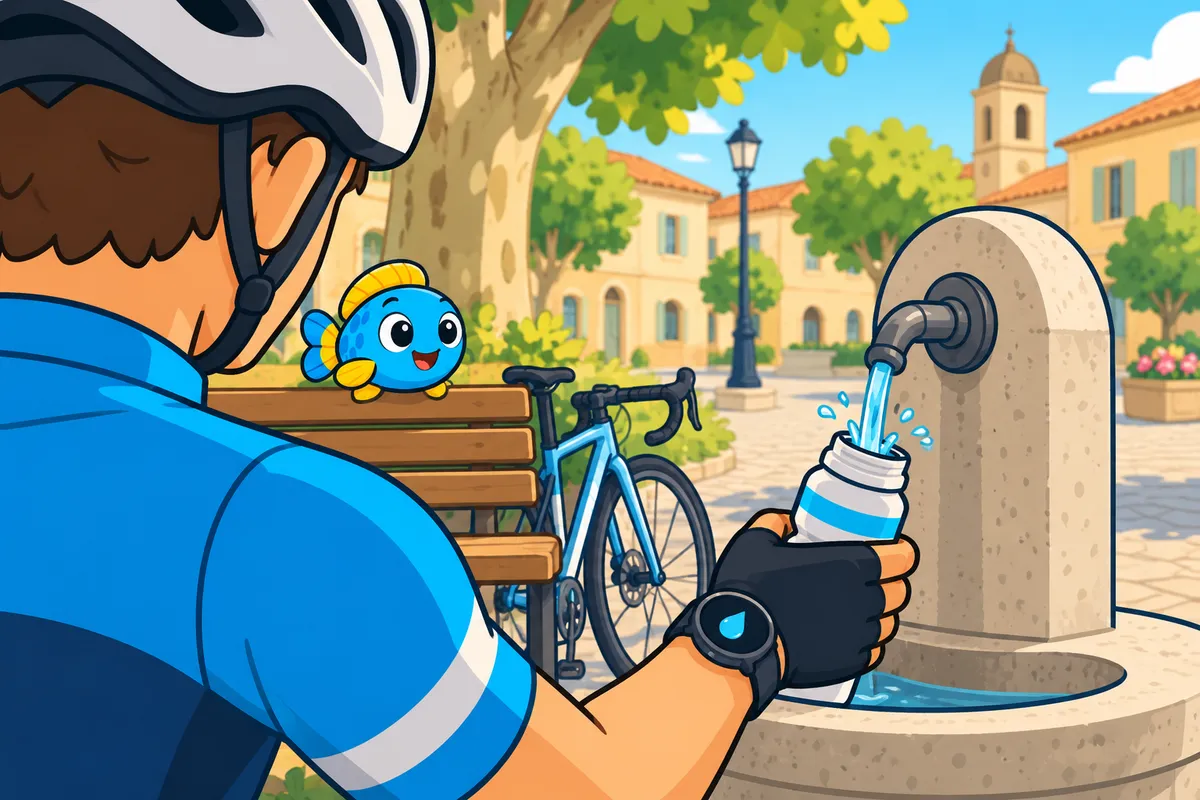
Many Garmin watches track water on their own: a hydration glance or widget does three things:
- It logs each drink.
- It holds a daily goal you set in Garmin Connect.
- It can remind you to drink.
A Connect IQ app or a phone water app can add features, but each keeps its own total, and no Garmin page says a phone app can write your drinks into Garmin's log.
Start with what the watch already has, then decide whether anything else is worth adding. The sources below are Garmin's owner's manuals, the Connect IQ Store and the app stores, as of 2 November 2026. The hydration manual pages, the Connect IQ listing and the App Store pages were read again on 7 November 2026.
How Do You Track Water Intake on a Garmin Watch?
Open the hydration glance, select it, and add a serving each time you drink: Garmin's vívoactive 5 manual lists a serving as 1 cup, 8 oz or 250 ml. A saved container adds its whole volume in one step, and the glance shows your intake against your daily goal.
Log a drink on a touchscreen Garmin
- From the watch face, swipe up or down to the hydration glance
- Select the glance to open the log
- Select + once for each 8 oz (250 ml) serving you drink
- Or select a saved container to add its full volume
The Venu 3, Venu Sq 2, vívoactive 5 and Venu 2 Plus manuals give these same steps. Each says "Hold" and then shows a B icon (a white B in a blue circle), which is the watch's B button, to open the glance's settings. The Venu Sq and D2 Air manuals describe a widget with the same B icon.
On a Button Watch Like the Forerunner 165
Button watches use the same log with a different path. The Forerunner 165 manual says to press UP or DOWN from the watch face to reach the glance, press START, select an amount and press START again.
Holding UP opens the settings. The four options match the vívoactive 5, Venu 3 and Venu Sq 2: Units, Auto Increase Goal, Alerts and Containers. The Forerunner 245 works differently, because its manual has no hold menu and says to set units and the daily goal in your Garmin Connect account.
Set Containers So One Tap Logs a Bottle
Containers decide how many taps your day takes. In the Containers setting you pick a container, choose its units and enter its size, and from then on one select adds that full amount.
Take a 64 oz (about 1,900 ml) goal. With the 8 oz serving alone, that is 8 taps a day. Save your 24 oz bottle as a container and the same goal takes 4 taps: two full bottles make 48 oz, and two 8 oz servings add the last 16 oz.
The metric version works the same way. A 2,000 ml goal with a 750 ml bottle saved is two bottles (1,500 ml) plus two 250 ml servings. Save the bottle you carry most, so the tap you make most often is one tap.
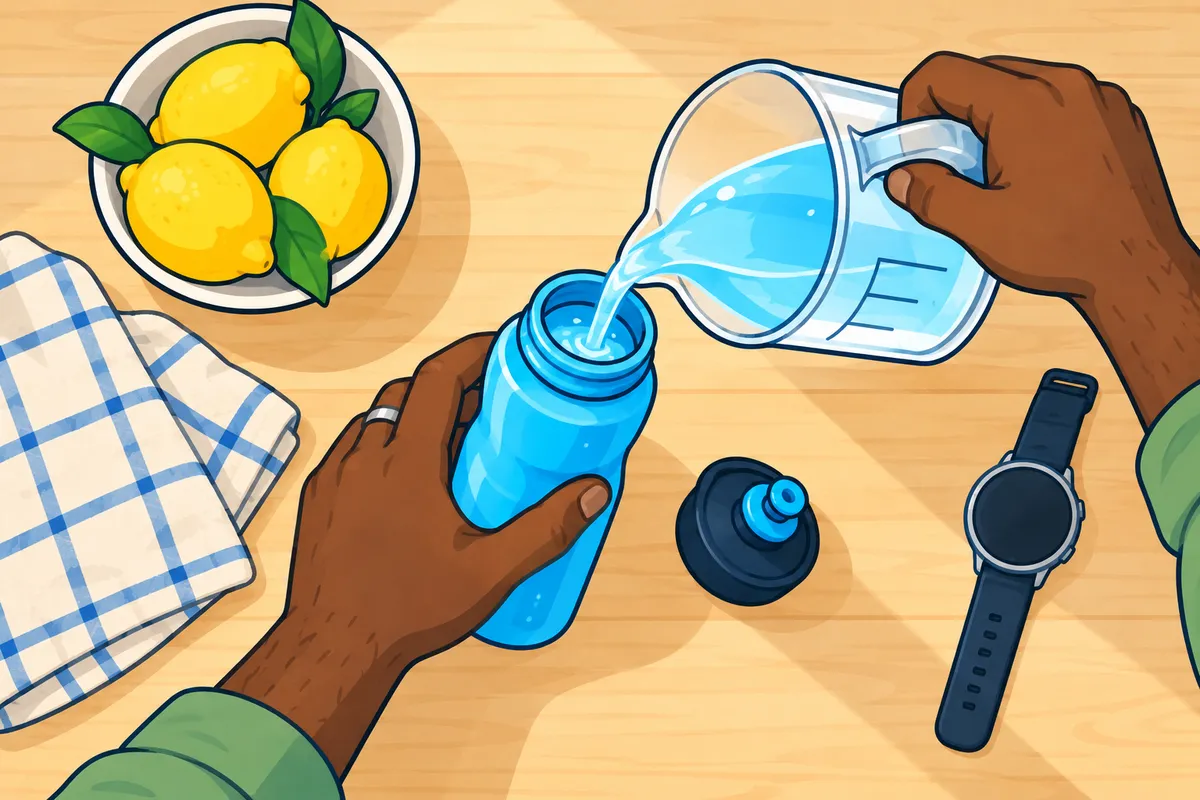
Which Garmin Watches Have Hydration Tracking?
Garmin's hydration page appears in the manuals of many watches, from the Forerunner 55 and 245 to the Venu 3 and vívoactive 5. Newer models show it as a glance and older ones as a widget, and on some you must add or download it before it appears.
The nine manuals below carry the same opening line: "You can track your daily fluid intake, turn on goals and alerts, and enter the container sizes you use most often." The difference is how hydration gets onto the watch.
| Watch | Shown as | Add or remove (per manual) | Manual version |
|---|---|---|---|
| vívoactive 5 | Glance | Connect IQ app | v8, September 2025 |
| Venu 3 series | Glance | Connect IQ app | v8, December 2025 |
| Venu 2 Plus | Glance | Connect IQ app | v5, September 2023 |
| Venu Sq 2 | Glance | Connect IQ app | v6, May 2025 |
| Forerunner 165 series | Glance, button controls | Connect IQ app | Not shown on the page |
| Forerunner 55 | Widget | Garmin Connect app | v9, January 2026 |
| D2 Air | Widget | Garmin Connect app | v2 |
| Venu Sq | Widget | Download it with the Connect IQ app | v5, December 2023 |
| Forerunner 245 / 245 Music | Widget | Download it with the Connect IQ app | v8 |
If you cannot find hydration on your watch, the last two rows are the usual reason. On those models it arrives as a download, so it is missing until you install it from the Connect IQ app on your phone.
For a watch not listed here, open its owner's manual on Garmin's site and search for "Hydration Tracking":
- If the page is there, the glance or widget exists for that model.
- If it is not, check the model on Garmin's site before you install a Connect IQ app, since an app's listing has its own compatible-devices list.
A Galaxy Watch owner has a different menu altogether, since Samsung Health keeps the water log there.
How Do You Set Your Daily Hydration Goal on Garmin?
You set the number in your Garmin Connect account. The Forerunner 165 manual puts it as a tip: "You can customize your hydration daily goal on your Garmin Connect account." The watch then shows that goal on the glance.
The manuals do not say where the starting goal comes from. Check the number in Garmin Connect once before you trust it, and change it if a doctor has given you a fluid amount.
Does the Garmin Hydration Goal Go Up After a Workout?
Yes, if you turn on Auto Increase Goal (the Venu Sq and D2 Air manuals call it Auto Goal, and the Venu 2 Plus settings list does not include it). Garmin's manuals say that with automatic goals "your goal increases on the days when you record an activity", because you need more fluid to replace sweat. The manuals give no amount, so look at the glance after you save a workout to see the new goal.
Two habits keep this setting honest:
- Start the activity on the watch, since the goal moves only on days you record one.
- Log what you drank during the session, so the glance compares the higher goal with everything you actually drank.
How Do You Turn On Hydration Reminders on Garmin?
Hold B on the hydration glance (Venu 3, Venu Sq 2, vívoactive 5, Venu 2 Plus) or UP (Forerunner 165), then select Alerts, as Garmin's manuals put it: "To turn on hydration reminders, select Alerts." The Forerunner 245 widget page lists no Alerts option, and the manuals give no schedule, so test it for a day and see when it buzzes.
If you want to set your own times, a phone reminder you choose yourself is the other route, and the next sections show how that reaches the watch.

Can a Phone Water App Sync With Garmin Connect?
None of the manuals above says it can. They describe logging on the watch and setting the goal in Garmin Connect, and a phone water app keeps its own log. As of 7 November 2026, treat Garmin's total and any other app's total as two separate numbers until you see otherwise.
Two forum posts point the same way, though neither comes from Garmin:
- A user on the Garmin forum wrote in 2026 that Garmin Connect "reliably exports hydration data to Apple Health" but asked Garmin to read it back.
- An older thread about a Hidrate Spark bottle quotes Hidrate as saying Garmin does not let third-party apps push data in.
App listings that name Garmin need a careful read. Water.io's App Store page says you can "connect the app to sport apps such as Garmin, Strava", which describes bringing workouts in. It does not say your water goes to Garmin.
Garmin's Hydration Glance
- Logs on the watch, goal set in Garmin Connect
- Auto Increase Goal reacts to recorded activities
- One total that Garmin Connect holds
A Second Water App
- Its own log, its own goal and its own reminders
- A drink logged in one app does not appear in the other
- Two totals to keep in step, or pick one and stop the other
Pick one place to log water and log every drink there. Splitting drinks between the glance and a phone app leaves both totals short.
On an iPhone, one forum user reports that Garmin Connect writes hydration to Apple Health; no Garmin manual above confirms it, so check Health on your own phone before you rely on it. Water apps that write to Health are covered separately.
Which Connect IQ Apps Track Water?
Water Tracker PRO by IVAHUB is a hydration app on the Connect IQ Store. Its listing on 7 November 2026 shows a 4.7 rating from 79 reviews, "100+ Downloads" and a Payment label. The description offers a 2-day free trial and then a one-time payment, with no price on the page, and says it supports 94 Garmin devices.
Open the Compatible Devices tab for your watch before you install it.
It lists:
- four quick-add buttons you set yourself;
- Smart reminders that fire when you fall behind;
- fixed Interval reminders every 30, 60, 90 or 120 minutes.
The description says it reads your workout data from Garmin to raise its goal, but nothing in it says it reads or writes Garmin's own hydration log, so treat its total as separate and log in only one place while you try it.
| Option | Where you log | Reminders | Goal | Cost |
|---|---|---|---|---|
| Garmin hydration glance or widget | On the watch | Alerts setting | Set in Garmin Connect; Auto Increase Goal | Built in |
| Water Tracker PRO (Connect IQ) | On the watch, with four buttons you set | Smart, or fixed every 30, 60, 90 or 120 min | Its own goal from weight, gender and activity | Paid: 2-day trial, then a one-time payment; no price on the listing |
| Water.io (smart bottle app) | The bottle and the iPhone app | "we remind the user when it's time to hydrate" | Not stated on the listing | Free app, 4.8 stars from 79 ratings; uses a Water.io bottle |
| Glubbo (our app) | On the phone | Gentle, Smart or Strict, sent as phone notifications | Glubbo's own formula | Free with ads; Premium $2.99 a month or $9.99 once |
Glubbo is the app we make, so weigh its row with that in mind. It does not sync with Garmin or Fitbit, and it has no Connect IQ or watch app; on Google Play its listing names ads and in-app purchases from $2.99 to $9.99.
Should You Use Garmin's Glance or a Phone App?
Start with the glance if you wear the watch all day. Add something else only for a feature the glance lacks, and log in one place.
Where should your water log live?
1Do you wear a Garmin with a hydration glance or widget all day?
YesLog on the watch. It costs nothing, and Garmin Connect holds the total.
No2Do you want reminders on a schedule the watch cannot give you?
YesCheck a Connect IQ app's listing. Confirm your model in its Compatible Devices tab, and turn the glance off while you test it.
No3Is your phone always with you and you log there anyway?
YesUse a phone app. Its alerts can reach the watch as notifications; its total stays separate from Garmin's.
NoOtherwisePick the place you already open most. Log every drink there and switch off reminders in the others.
A phone app's reminder reaches the watch through Garmin's notifications. The vívoactive 5 manual says that on an iPhone, "All notifications that you enable on your iPhone also appear on your watch." On Android you pick them in the Garmin Connect app under Settings, Notifications, App Notifications.
When the phone's reminder never shows up on the wrist, the hold-up is usually on the phone itself, and the fixes for reminders that stop arriving start there.
Set Up Your Garmin Water Log Tonight
Ten minutes this evening sets up tomorrow's log:
- Open Garmin Connect on your phone and check the hydration goal; change it if it does not suit you.
- On the watch, find the hydration glance or widget. If it is missing, add it from the app your manual names (Connect IQ or Garmin Connect).
- Where your manual shows a hold menu (B on touch models, UP on the Forerunner 165), hold it on the glance, select Containers and save the bottle you carry most, measured once.
- Turn on Auto Increase Goal if you record workouts on the watch, and Alerts if you want a buzz.
- Decide on one place to log, and turn off reminders in any other water app.
Tomorrow, log every drink in that one place, including the coffee at your desk and the bottle on your run. At bedtime, compare the glance with what you remember drinking, and adjust a container if a tap added the wrong amount.
General information for healthy adults, not medical advice. If a doctor has set your fluid amount, follow that.
More in Water Apps
Sources
- Garmin. vívoactive 5 Owner's Manual, Hydration Tracking, 2025.
- Garmin. Forerunner 165 Series Owner's Manual, Hydration Tracking, 2026.
- Garmin. Venu Sq 2 Owner's Manual, Hydration Tracking, 2026.
- Garmin. Venu 3 Series Owner's Manual, Hydration Tracking, 2026.
- Garmin. Venu 2 Plus Owner's Manual, Hydration Tracking, 2023.
- Garmin. Venu Sq Owner's Manual, Hydration Tracking, 2023.
- Garmin. Forerunner 55 Owner's Manual, Hydration Tracking, 2026.
- Garmin. Forerunner 245/245 Music Owner's Manual, Hydration Tracking, 2026.
- Garmin. D2 Air Owner's Manual, Hydration Tracking, 2026.
- Garmin. vívoactive 5 Owner's Manual, Managing Notifications, 2025.
- Garmin Connect IQ Store (IVAHUB). Water Tracker PRO — Hydration, 2026.
- Apple App Store (Waterio LTD). Water.io - The Smart Bottle, 2026.
- Garmin Forums (user post). Feature Request: Bidirectional Hydration Sync (Apple Health → Garmin Connect), 2026.
- Garmin Forums (user thread). Can I link my Hidrate spark app to sync and track my water intake, 2021.
- Apple App Store (Glubbo). Glubbo - Drink Water Reminder, 2026.
- Google Play (Vinclair Studio). Glubbo - Drink Water Reminder, 2026.
Sources checked by the Glubbo Editorial Team on Nov 7, 2026. General information, not medical advice. How we write and check our guides.

