Water Apps · Widgets, Reminders and Features
Water Tracker for Kids: Which Apps Are Really Made for Children
The one children's app we found, the labels that show who an app is for, and when a chart on the fridge does better.
 By the Glubbo Editorial Team · Updated Nov 2, 2026 · 10 min read
On This Page
- Is There a Water Tracker App for Kids?
- What Does the Age Rating on an App Mean for Kids?
- Are Water Reminder Apps Safe for Children?
- Do Water Apps for Kids Have Ads or In-App Purchases?
- Is a Printable Water Chart Better Than an App for Kids?
- What Goal Should a Kids Water App Set?
- Set Up a Child's Water Tracker Before Bedtime Tonight
- Common Questions
- Sources
Short answer
We found one children's app: Nestlé's Tummyfish.
- Tummyfish targets ages 4 to 12, with no ads and no purchases on its pages.
- Most water apps target adults, and a 4+ rating does not change that.
- For a young child with no device, a chart on the fridge often works better.
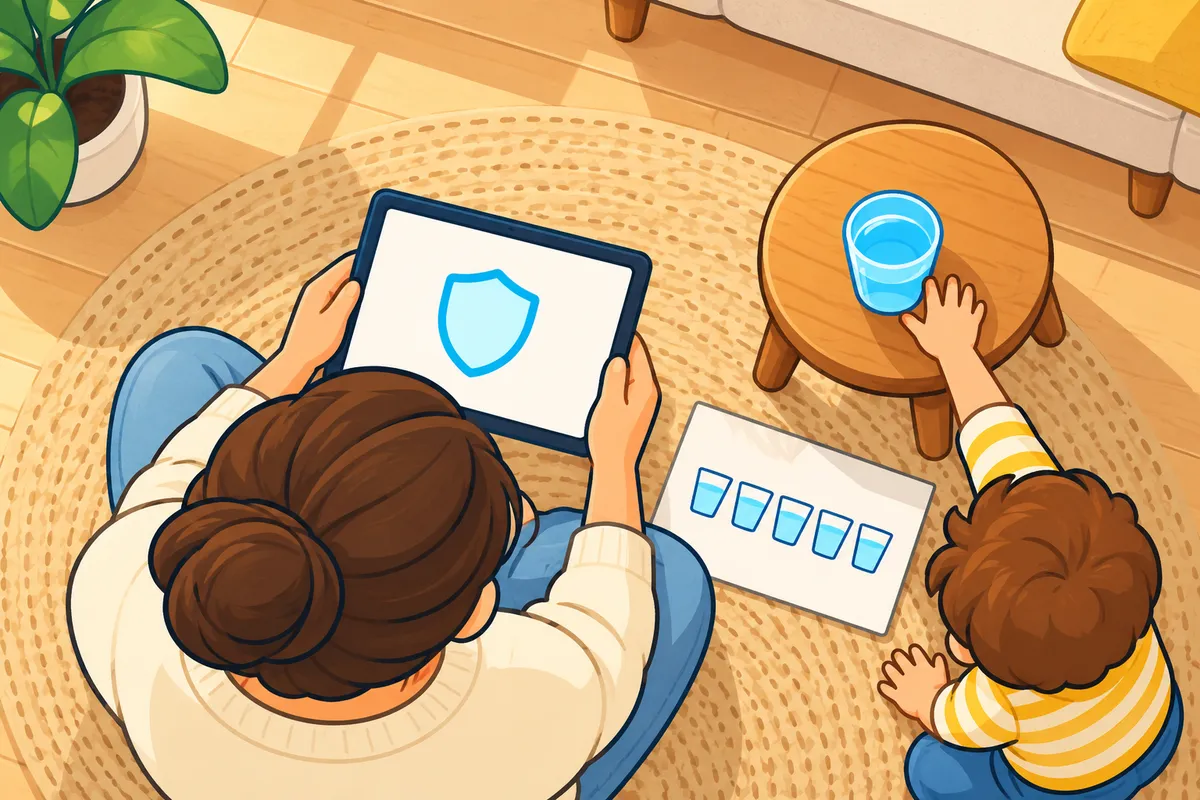
Tummyfish, made by Nestlé, is the one English-language water tracker made for children among the US App Store and Google Play listings we reviewed. Its listing names ages 4 to 12. Play marks it Teacher Approved, and neither store page lists ads or in-app purchases.
Many adult water trackers use a cute animal, yet their store pages never mention children. Apple's rules may explain the silence: guideline 2.3.8 of its App Review Guidelines reserves words like "For Kids" for apps in the Kids category.
Every store fact here comes from the US listings, as of 2 November 2026.
Is There a Water Tracker App for Kids?
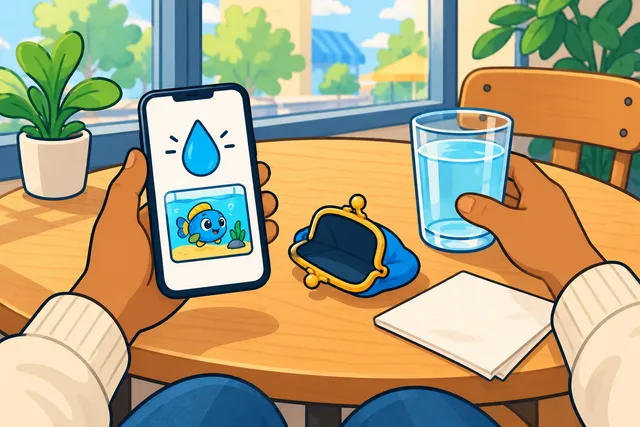
Yes, one in English among the listings we reviewed: Tummyfish, for ages 4 to 12. It works in three parts:
- A parent sets the reminders.
- The child unlocks toys and mini-games by drinking water.
- The parent sees daily and weekly statistics.
Danone Splash! also targets children, ages 11 to 13, but only in French.
Water apps a child might use
Tummyfish
Made for ages 4 to 12
- Teacher Approved on Play
- Free; no ads or purchases listed
- 4.8 stars from 1.85K Play reviews
Suits you if your child is 4 to 12 and you want an app made for that age.
Danone Splash!
Ages 11 to 13, French only
- Privacy label: Data Not Collected
- App Store, rated 4+
Suits you if your child reads French and has an iPhone.
WaterPets
Rated 4+, made for everyone
- No ads, per its description
- Pro at $2.99 a month or $19.99 a year
- Privacy label: Data Not Collected
Suits you if an older child wants a pixel pet and you will approve purchases.
Tummyfish Up Close
Tummyfish's App Store page opens "Brought to you by Nestlé for Healthier Kids", and describes the Nestlé for Healthier Kids program as one that helps "parents instill healthier eating, drinking and lifestyle habits in children between the ages of 4 to 12." The child sees how water and sugary drinks change the fish, so a cup of water has a result the child can watch.
The two stores show different upkeep. On iPhone the last version, 1.6.28, dates from June 25, 2024, with 3.8 stars from 8 ratings; on Play the latest update came on February 11, 2026, with 4.8 stars from 1.85K reviews and 100K+ downloads.
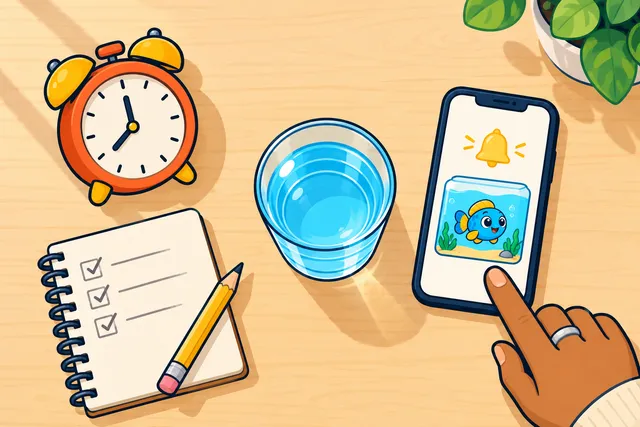
A parent creates a separate fish for each child and decides when the reminders come, so pick the hours your child really has the device in hand.
A family tablet that stays in a drawer until dinner reminds nobody at 3 PM.
The Adult Apps With a Cute Animal
The rest are adult water trackers with an animal: a llama, a plant, a pixel pet. WaterPets carries a 4+ rating, shows no ads and says it collects no data, yet its page never mentions children. Plant Nanny carries a 13+ rating, so its own maker places it above a child's age.
What Does the Age Rating on an App Mean for Kids?
An age rating tells you the content suits that age; it says nothing about who the app targets. Glubbo, which we make, carries a 9+ rating on the App Store and "Everyone" on Play, yet we made it for adults, with ads in the free version. Who an app is for shows up in other lines of the listing.
Where to look:
- On the App Store, look for a "Made for Ages" line: Tummyfish shows "Made for Ages 6–8", one of the three bands Apple offers Kids category apps, 5 and under, 6–8, or 9–11.
- On Play, look for "Teacher Approved" under the title and "Committed to follow the Play Families Policy" in the Data safety box.
Every Listing Side by Side
| App | Made for children? | App Store rating | Play Store | Ads | Purchases | App Store privacy label |
|---|---|---|---|---|---|---|
| Tummyfish | Yes, ages 4 to 12 | 4+, Made for Ages 6–8 | Everyone, Teacher Approved | None listed | None listed | Diagnostics only, not linked to you |
| Danone Splash! | Yes, ages 11 to 13, French | 4+ | Not checked | None listed | None listed | Data Not Collected |
| WaterPets | No children's wording | 4+ | Not checked | "No ads" | $2.99 a month, $19.99 a year | Data Not Collected |
| Waterllama | No children's wording | 9+ | Apple only | No ads label | $0.99 to $19.99 | Data not linked to you |
| Plant Nanny | No children's wording | 13+ | Not checked | Advertising | $1.99 to $69.99 | Identifiers used to track you |
| Glubbo (ours) |
No children's wording | 9+ | Everyone, contains ads | Advertising | $2.99 a month or $9.99 once | Identifiers and usage data used to track you |
The rule sets count ages differently too:
- COPPA, the US children's privacy law, covers children under 13.
- Apple's Kids bands stop at 11.
- Google's Families policy applies whenever a developer names children as one audience, with no band of its own.
Are Water Reminder Apps Safe for Children?
The strictest platform rules cover apps made for children. A Kids category app on iPhone may not send personal or device information to third parties, and Apple's guideline 1.3 says it "should not include third-party analytics or third-party advertising". An adult water app on your child's tablet is not in the Kids category, so those App Store rules do not apply to it, and COPPA reaches it only in the cases described below.
Made for children
- iPhone Kids category, or Google Play Families policy
- Kids category: no third-party analytics or advertising, per Apple's 1.3
- Kids category: a parental gate before purchases and links out
- Aimed at under 13 in the US: COPPA parental consent, with exceptions
A general water app
- Made for adults, whatever its age rating
- Not in the Kids category, so Apple's Kids rules do not apply
- May show ads and share device IDs, as its label says
- COPPA applies if the maker knows a user is under 13
What the Children's Rules Require
Google's Families policy says an app that shows ads to children "or to users of unknown age" must use only Families Self-Certified Ads SDKs. An app that targets only children "must not transmit Android advertising identifier (AAID)", the ID ad networks use to follow a phone from app to app.
On iPhone, a Kids app puts a parental gate in front of purchases and links, an adult-level task a young child cannot finish alone, though Apple's guideline 5.1.4 adds that this gate "is generally not the same as securing parental consent" to collect personal data.
For a reminder app, the FTC's COPPA guidance says the information an app collects from a child's device to send push notifications "is online contact information".
An app can skip parental consent for it only under the exception for a child's specific request, and only if:
- the app also collects a parent's contact;
- it gives parents direct notice and a chance to opt out;
- its notifications "must be reasonably related to the content of your app".
If it combines that information with other personal information from the child, the exception no longer applies and it needs verifiable parental consent.
Why a 4+ App Can Still Track
The FTC says COPPA reaches a general audience app only when its maker has actual knowledge that a user is under 13, and the rule "does not require operators to ask the age of visitors." An adult tracker that never asks your child's age can run its usual ads and analytics, so the privacy label tells you more than the rating.
Do Water Apps for Kids Have Ads or In-App Purchases?
The two apps made for children list neither. Tummyfish's Play page shows no "Contains ads" or "In-app purchases" label, and its Data safety box reads "No data collected" and "No data shared with third parties". The adult apps a child might pick up differ: Plant Nanny and Glubbo show ads, and every adult app in the table sells something.
Before you hand over the device, read four lines on the store page.
Four lines to read on the store page
4 items- "Made for Ages" on the App Store, or "Teacher Approved" and the Families Policy line on the Play Store
- "Advertising" on the App Store, or "Contains ads" on the Play Store
- The in-app purchase list: a weekly or yearly plan your child could tap
- "Data Used to Track You" on the App Store, or "Device or other IDs" shared on the Play Store
Glubbo's Play page, as one example, says the app "may share" device or other IDs with third parties, and its App Store label lists identifiers and usage data used to track you. Those lines are common for a free adult app with ads. They are the reason we do not offer Glubbo for children.
Is a Printable Water Chart Better Than an App for Kids?
It depends on which device the child holds. A chart on the fridge needs no screen, no account and no data, and the child colors a cup the moment they finish it. An app fits when your child has a device of their own, or when your own phone does the reminding.
Which tool fits your child?
1Does your child have a tablet or phone of their own?
YesRead the store labels first. Check the four lines above; Tummyfish is the children's app we found for ages 4 to 12.
No2Will the reminder come from your own phone instead?
YesRemind from your phone. Hand your child a marked bottle at the time you are reminded.
NoOtherwiseUse a paper chart. It needs no screen, account or data, and your child colors a cup after each drink.
You can print a chart with one cup for each drink your child has, a fresh sheet every week. Game apps add a risk of their own: what a virtual pet does on a skipped day can turn a missed cup into guilt, and a paper chart has no sad fish.
What Goal Should a Kids Water App Set?
Take the amount from pediatric guidance, not from the app. The American Academy of Pediatrics says:
- children ages 1 to 3 need about 4 cups of fluids a day;
- ages 4 to 8 need about 5 cups;
- older children need 7 to 8 cups.
Those are total fluids, milk included, and vary with activity and heat.
Our page on how much water children need from 1 to 18 lays out the bands, and the kids water calculator takes the age.
Not every app lets a parent set a goal. Tummyfish's listing mentions parent-set notifications and daily and weekly statistics, and says nothing about a goal setting. If an app only offers a goal it works out from weight, ask your pediatrician which amount fits your child.
For a baby under 6 months, ask your pediatrician when your baby can start drinking water before any tracker.
Set Up a Child's Water Tracker Before Bedtime Tonight
Do it with your child beside you, so the app is something you chose together.
- Read the four store lines with your child: who the app is for, ads, purchases and tracking.
- Turn on Ask to Buy on iPhone or purchase approvals in Family Link, so any request reaches you first.
- Look for a goal setting. If there is one, enter the amount for your child's age from the pediatric guidance above; if not, keep the app's statistics and follow that guidance yourself.
- Set reminders for after school and the evening, when the device is in your child's hands.
- Check the log together on Sunday evening, and print a paper chart if the app sat unopened.
Common Questions
Can my child download a free app without asking me?
No, not with Ask to Buy on. The child must send you a request for every app download or in-app purchase, whatever the app's age rating.
Do Google Play approvals cover a monthly subscription?
No. Family Link approvals cover purchases through Play billing, but Google lists non-prepaid subscriptions among the exceptions, so cancel any trial your child starts.
Must a kids app ask me before taking personal info?
Usually yes, if the app targets US children under 13. The FTC says an operator must get verifiable parental consent before collecting personal information from a child, with listed exceptions.
General information for healthy adults, not medical advice. If a doctor has set your fluid amount, follow that.
Check Your Child's Drinks
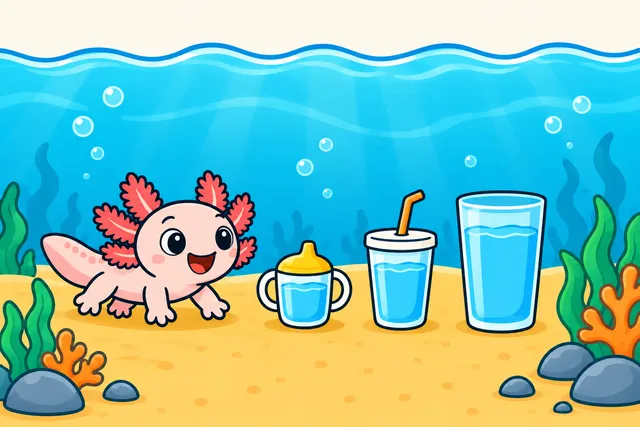
Your child's daily drinks by age, in cups and bottles.
Open the Kids CalculatorMore in Water Apps
Sources
- Apple App Store (Nestlé). Tummyfish, 2026.
- Google Play (Nestlé). Tummyfish, 2026.
- Apple App Store (Danone). Danone Splash!, 2026.
- Apple App Store (Tanveer Dhaliwal). Water tracker WaterPets, 2026.
- Apple App Store (Llama Luna Apps). Water tracker Waterllama, 2026.
- Apple App Store (SPARKFUL INC.). Plant Nanny Cute Water Tracker, 2026.
- Apple App Store (Glubbo). Glubbo - Drink Water Reminder, 2026.
- Google Play (Vinclair Studio). Glubbo - Drink Water Reminder, 2026.
- Apple Developer. Design safe and age-appropriate experiences (Kids category), 2026.
- Apple Developer. App Review Guidelines, 2026.
- Google Play Console Help. Google Play Families Policies, 2026.
- US Federal Trade Commission. Complying with COPPA: Frequently Asked Questions, 2025.
- American Academy of Pediatrics (HealthyChildren.org). Choose Water for Healthy Hydration, 2026.
- Apple Support. Use Ask to Buy, 2026.
- Google Play Help. Purchase approvals on Google Play, 2026.
Sources checked by the Glubbo Editorial Team on Nov 2, 2026. General information, not medical advice. How we write and check our guides.

