Habits and Routines · Trackers and Streaks
Habit Stacking App: What Seven Apps Offer for Chaining Habits
Seven apps read on their store pages for stack reminders, ordered routines, time and place cues, ratings and prices.
 By the Glubbo Editorial Team · Updated Nov 11, 2026 · 8 min read
On This Page
Short answer
Habitify cues the next habit; Routinery runs steps in order.
- Habitify's Google Play page lists habit stacking: finish one habit, get the next reminder.
- Routinery and Stacked run a routine as ordered steps; Routinery has 4.7 stars on iPhone.
- Streaks ($5.99, iPhone only) lists no stack feature; Atoms has 3.1 stars on Android.
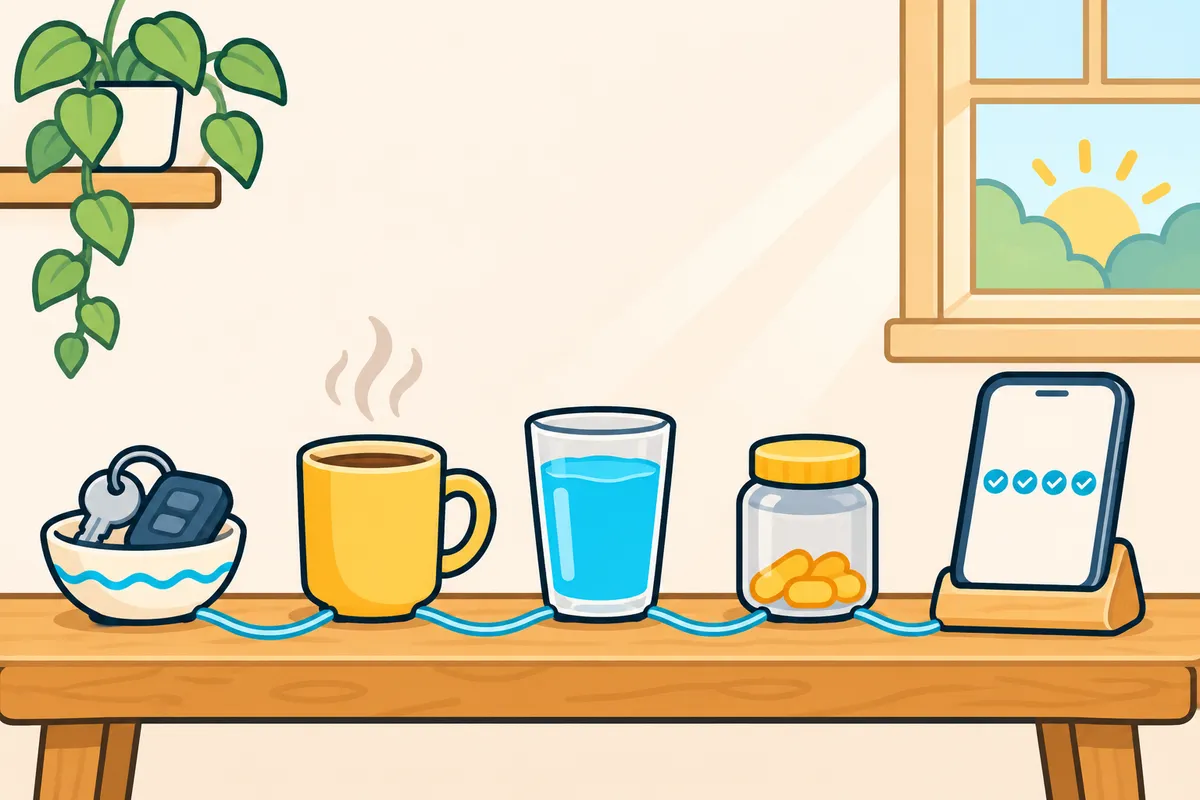
Habitify cues your next habit when you complete one, its Google Play listing says, and no other listing of the seven says that. Routinery and Stacked cover the other kind of chain, a routine whose steps run in a fixed order. Every rating, price and feature here comes from each app's US App Store and Google Play pages as of November 11, 2026.
We have not tested any of these apps, so the picks follow what the listings and the makers' help pages say about chaining habits.
What Is the Best Habit Stacking App?
For a reminder that fires after you log another habit, it is Habitify. For a routine that runs step by step on timers, it is Routinery. Stacked is built around stacking but has few ratings, and Atoms, Productive and Fabulous cue you by time, place or part of the day.
Pick by the kind of stack you want
- A reminder for habit B right after you log habit AHabitify
- A morning or evening routine that runs step by step on timersRoutinery
- An app built around stacking, even if it is young and has few ratingsStacked: Routine, Stack Habits
- A time-and-place commitment with bite-sized Atomic Habits lessonsAtoms
- A reminder that fires at a placeProductive (Premium on iPhone)
- A guided morning and evening routine with coachingFabulous
- iPhone only, one payment, Apple Health ticks habits for youStreaks
Which Apps Let You Chain One Habit After Another?
Three do it inside the app. Habitify reminds you of a habit when you log another one, and Routinery and Stacked run a list of steps in the order you set. Atoms, Productive and Fabulous cue you by time, place or part of the day, and Streaks lists no chaining at all.
| App | Chaining, per store page | Cue it gives you |
|---|---|---|
| Habitify | Names habit stacking, which cues up your next habit when you complete one (Play) | Another habit's status: completed, skipped or failed |
| Routinery | "Stack small habits into a daily routine, break it into 1-5 minute steps, and each step runs on its own timer" (App Store) | The end of the step before it, plus a start time you set |
| Stacked | "Built-in Habit Stacking Technique" that links new habits to existing routines, with step-by-step guidance (Play) | The routine's order, started with one tap |
| Atoms | "Create consistency by committing to a time and place" (App Store) | A time and place you choose |
| Productive | Reminders for "what's scheduled for each part of the day"; its page puts location-based reminders under Premium (App Store) | Part of the day, or a place |
| Fabulous | "Unlimited habits for your morning and evening routines" (Play) | Morning or evening routine |
| Streaks | Reminders "around when you usually complete a habit, only if it isn't done yet"; completes habits from Apple Health | Your own usual time |
Only Habitify, Routinery and Stacked name a chain on their listings. With the other four, you write the "after I do X" part yourself, into the habit's name or its reminder.
A Reminder After a Habit, or a Routine That Runs in Order
The two chains behave differently, and the difference decides which app fits. Habitify's help article has you fill in one rule: remind me of the targeted habit when the base habit has the status Completed, Skipped or Failed, sent at once or after a delay you choose. That suits two habits you do at separate moments, such as ticking off a workout after lunch and getting the stretch reminder ten minutes later.
Routinery and Stacked work the other way: you press start and the steps come one after another, which suits a 20-minute morning where everything happens in one sitting. Routinery's App Store page adds a voice that calls out the next step, so the routine keeps running while you shower or cook.
How Do Their Ratings, Platforms and Updates Compare?
As of November 11, 2026, every app with an Android version rates lower on Play than on the App Store, and Streaks has no Android version at all. Read the store for your own phone, because the gap is large for some of them. On Play, the number in brackets is the review count.
| App | Runs on | App Store rating (ratings) | Play rating, installs | Last Play update |
|---|---|---|---|---|
| Habitify | iPhone, iPad, Mac, Apple Watch, Android, Wear OS, desktop, web | 4.6 (7.2K) | 4.2 (6.66K), 500K+ | Nov 6, 2026 |
| Routinery | iPhone, iPad, Mac, Apple Watch, Android | 4.7 (18.2K) | 4.4 (18.8K), 1M+ | Nov 6, 2026 |
| Stacked | iPhone, iPad, Android | 4.6 (13) | 4.5 (803), 10K+ | Jul 28, 2026 |
| Atoms | iPhone, Apple Watch, Android | 4.8 (10.8K) | 3.1 (685), 100K+ | Oct 20, 2026 |
| Fabulous | iPhone, Apple Watch, Android | 4.4 (89.5K) | 3.8 (590K), 10M+ | Oct 8, 2026 |
| Productive | iPhone, iPad, Apple Watch, Android | 4.6 (91.1K) | 3.7 (20.9K), 1M+ | Nov 14, 2025 |
| Streaks | iPhone, iPad, Apple Watch, Mac, Apple Vision Pro | 4.8 (27.4K) | No Android app | Not on Android |
- 4.8 / 3.1
- Atoms on the App Store and on Play
- 4.6 / 3.7
- Productive on the App Store and on Play
- 13
- App Store ratings for Stacked, against 803 reviews on Play
Stacked's 4.6 on the App Store rests on 13 ratings, so it tells you much less than Fabulous's 4.4 from 89,500. The newest stacking-first apps are the ones with the thinnest evidence.
Productive's Android listing was last updated on November 14, 2025, almost a year before the date of this check, while Habitify and Routinery both updated theirs on November 6, 2026. On Android, an old update date is a reason to read the recent reviews before you commit habits to it.
Is There a Free Habit Stacking App?
Yes. Six of the seven are free to download and Streaks costs $5.99 once, but the stacking feature may sit behind a paid plan, and the listings do not always say which one. Habitify's help article names no plan for stacking, so create two habits and set up one stack before you pay for anything.
| App | Paid plans (US App Store) | Play in-app items | Paid plan adds (listing) |
|---|---|---|---|
| Habitify | Plus $29.99 a year; Pro $8.99 a month, $49.99 a year, $119.99 once | $0.99 to $99.99 | Plus: unlimited habits, smart reminders, group areas. Pro: Apple Health and app integrations, pomodoro and stopwatch timers |
| Routinery | Premium $0.99 a week, $6.99 a month, $49.99 a year | $0.99 to $72.00 | A higher routine cap and no ads; the free plan has 2 routines and shows ads |
| Stacked | Prime $3.99 a month, $17.99 a year, $39.99 once | $3.99 to $29.99 | Timed tasks, detailed statistics, advanced reminders |
| Atoms | Pro $4.99 a month, $39.99 a year | $4.99 to $39.99 | The listings do not itemize it |
| Fabulous | Premium plans from $16.99 to $59.99 | $3.99 to $299.99 | Coaching series, Journeys, unlimited habits for morning and evening routines |
| Productive | Premium $10.99 a month; yearly plans from $19.99 to $79.99 | $0.99 to $91.99 | Unlimited habits, challenges, better reminders, location-based reminders |
| Streaks | $5.99 once | Not on Android | Up to 24 habits on the paid app |
Routinery and Stacked sell the extra routines and timers, Habitify and Productive sell the smarter reminders, and only Streaks asks for one payment and then stops. If you already pay for a habit app, check its reminder settings before you add another subscription.
Do You Need an App for Habit Stacking?
No. iPhone and Samsung Galaxy phones each have a built-in if-then tool. On iPhone, a Shortcuts personal automation can run actions on events such as "time of day, arrival at a location, or the opening of an app", and you can set it to run without asking.
On a Samsung Galaxy phone, Modes and Routines works as an If and a Then: you tap the sentence under If to pick a trigger, then the sentence under Then to pick the action. Both send a reminder or run an action, and what a habit app adds is the record of which days you did the habit.

If the habit you want to stack is a glass of water, put "drink a glass" into a stack in one of the apps above, and keep a water app that logs each glass only if you also want the amount recorded. Glubbo's Google Play page lists reminders at an interval, not after a habit.
A First Two-Habit Stack for This Week
Choose an anchor you never skip, such as the morning coffee, and one new habit that takes under two minutes. The formula and twelve worked stacks show how to word both parts, and an anchor that is a place or a time rather than another habit works as an if-then plan.
In Habitify, the setup runs through the habit's settings:
One stack in Habitify, from its help article
- Create both habits first
- Open the new habit's Reminder settings
- Add a stack and pick the habit that comes before
- Choose Completed, Skipped or Failed
- Send at once or after a delay
In Routinery, build a routine of three steps of one to five minutes each, set the weekdays and the start time, and run it on day one. Judge either app after 14 days by one question: do you still tick the second habit on the days the first one happens? If you only want a grid of ticks and no chain, eight habit trackers sorted by free limit and price cover that.
General information for healthy adults, not medical advice. If a doctor has set your fluid amount, follow that.

More in Habits and Routines



Sources
- Google Play (Unstatic Ltd Co). Habitify: Habit Tracker, 2026.
- Apple App Store (Unstatic Ltd Co). Habitify: Habit Tracker, 2026.
- Habitify Help Center. Build habit stacking, 2026.
- Google Play (Routinery). Routine Planner, Habit Tracker, 2026.
- Apple App Store (Routinery Corp.). Routine Planner, Habit Tracker, 2026.
- Google Play (Tip Tap Apps). Stacked: Routine, Stack Habits, 2026.
- Apple App Store (Tip Tap Apps). Stacked: Routine, Stack Habits, 2026.
- Google Play (Atomic Development Inc.). Atoms - from Atomic Habits, 2026.
- Apple App Store (Atomic Development Inc.). Atoms - from Atomic Habits, 2026.
- Google Play (TheFabulous). Fabulous Daily Routine Planner, 2026.
- Apple App Store (Fabulous). Fabulous: Daily Habit Tracker, 2026.
- Google Play (Mosaic Srl). Productive - Habit tracker, 2025.
- Apple App Store (Mosaic S.r.l.). Productive - Habit Tracker, 2026.
- Apple App Store (Crunchy Bagel). Streaks, 2026.
- Apple Support. Intro to shortcuts with automations on iPhone or iPad, 2026.
- Samsung Support. Use Modes and Routines on your Galaxy phone or tablet, 2026.
- Google Play (Vinclair Studio). Glubbo - Drink Water Reminder, 2026.
Sources checked by the Glubbo Editorial Team on Nov 11, 2026. General information, not medical advice. How we write and check our guides.

